Key Color Function
Num/Numlock Red Number Lock
Function Blue Function Commands
Punt Green Punctuation Keys
Opening and closing the keyboard
Hold the folded bluetooth keyboard and press the release buttons located on
both sides of the bluetooth keyboard. The keyboard will open like a book.
Recommend: Press the power switch is highly suggested when you close the
keyboard within 5 seconds
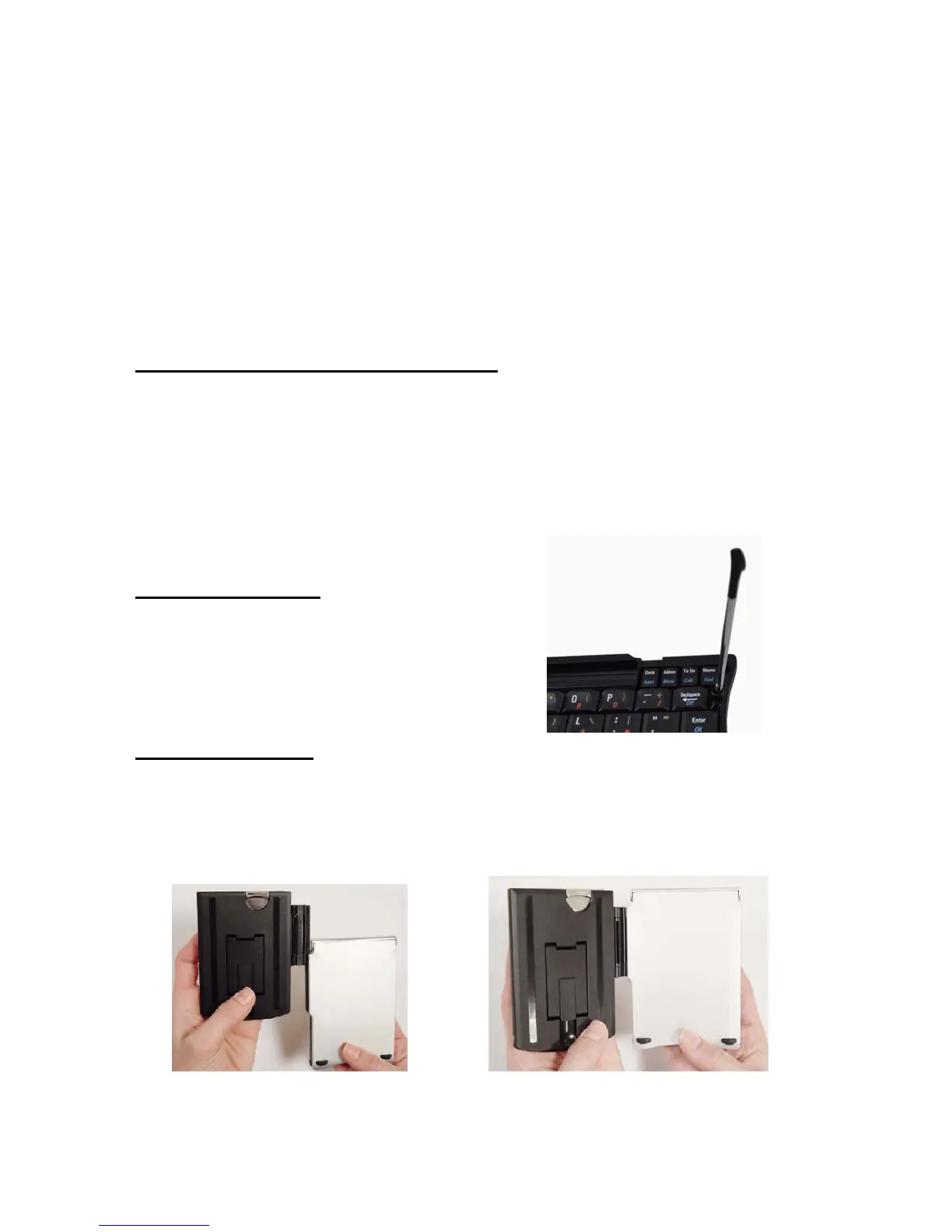
Placing the stylus
A stylus usually is used for the smartphone
or PDA also, so a stylus holder is need.
Setting the stand
Solution 1:
a) Slide the hinge axis into the slot of the half of bluetooth keyboard


 To Next Page