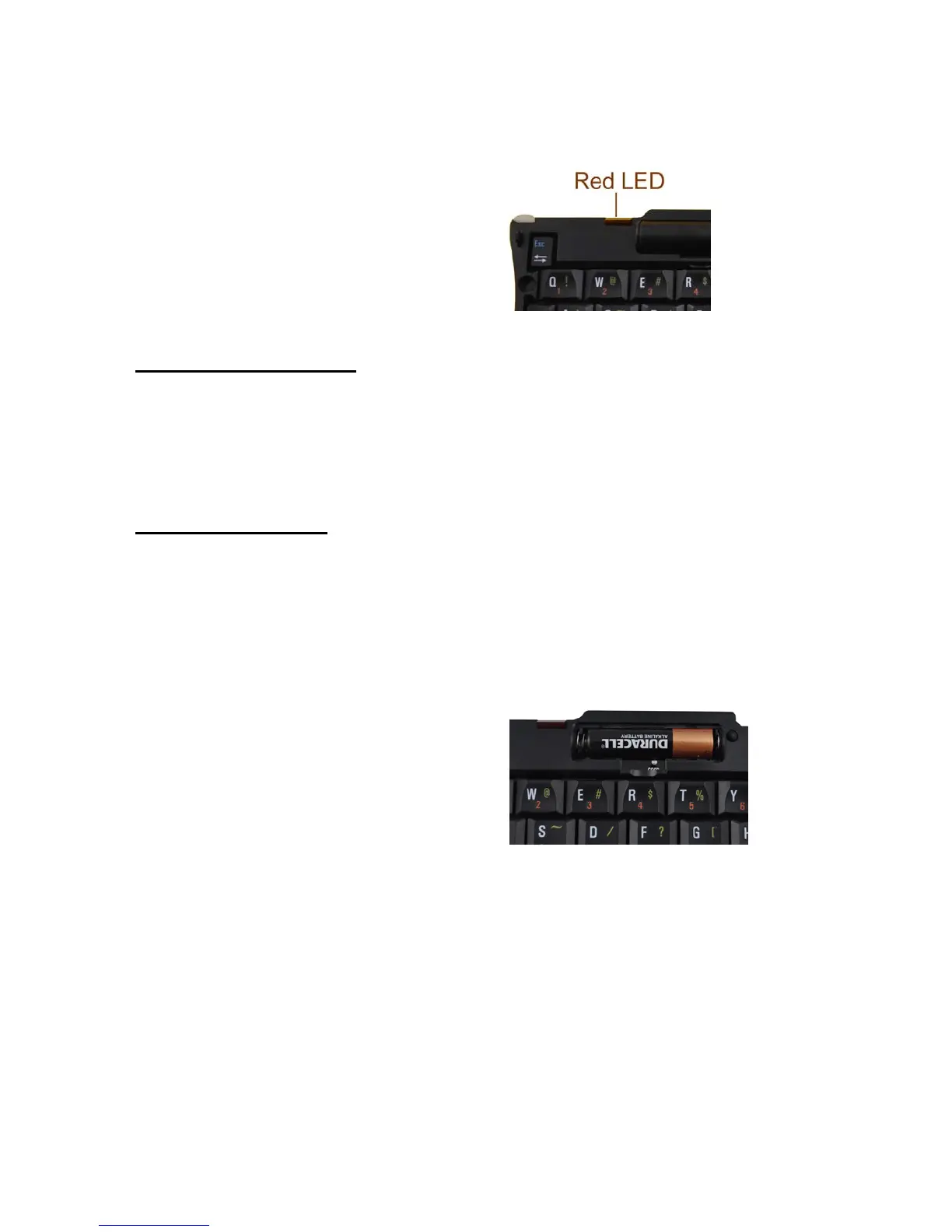
2. Indication lamp:
z Blinking quickly:
the keyboard is ready to pair
to a Bluetooth device
z Blinking slowly: battery low
System Requirement
z Windows mobile 5.0 or above
z Bluetooth version 2.0
Installation Guide
Step 1. Installing the Battery
z Open the battery compartment located on top of the keyboard.
z Insert the AAA battery as per the diagram in the upper right of the battery
compartment.
z Close the battery compartment.
Important: Use only 1.5V AAA
alkaline battery, for better efficiency
purpose, a fine brand of the alkaline battery is highly suggested.
Step 2. Pairing your Bluetooth Keyboard with your device
z Press the “Conn.” button for 1-3 seconds, the red LED on the keyboard
should now be periodically flashing.
z The first step is to enable Bluetooth on your device, do so by tapping 'Start',
then 'Settings', choose the 'Connections' tab.


 To Next Page