Mouse Settings
Click Start ⇒ Programs ⇒ Micro
Innovations ⇒ Laser Mouse
The following icon will appear in the
lower right-hand corner of your system
tray once the software is correctly
installed. To launch the program simply
click on the icon.
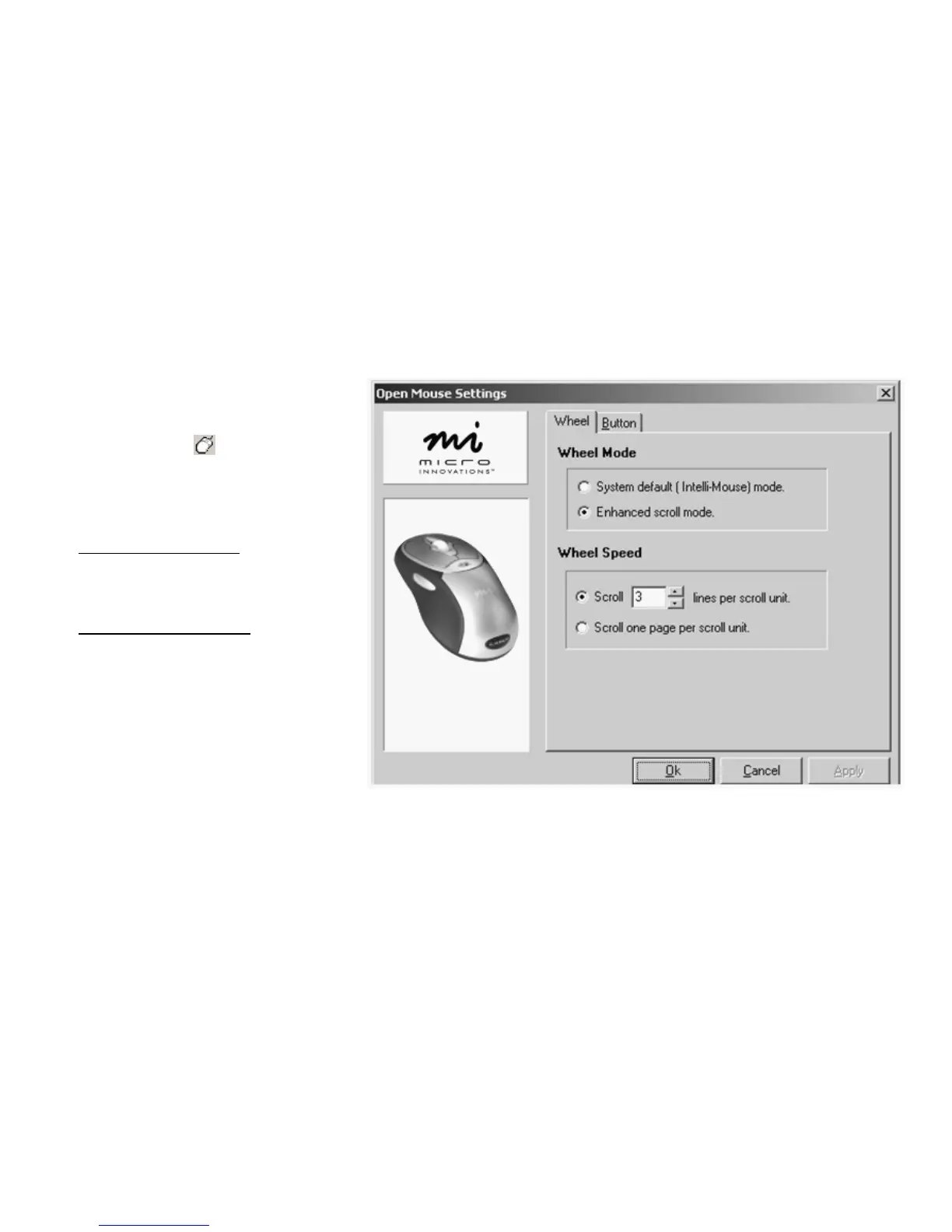
Configuring Wheel Modes
This feature will allow you to choose
performance modes and wheel speed of
the mouse.
Assigning the Wheel Button
You can increase your productivity by
assigning the wheel button to various
basic Windows functions such as page up
or down, cut, copy, paste, etc. You can
even launch your default browser or e-
mail application. It is recommended that
you try different settings until you are
satisfied with the performance.



 To Next Page