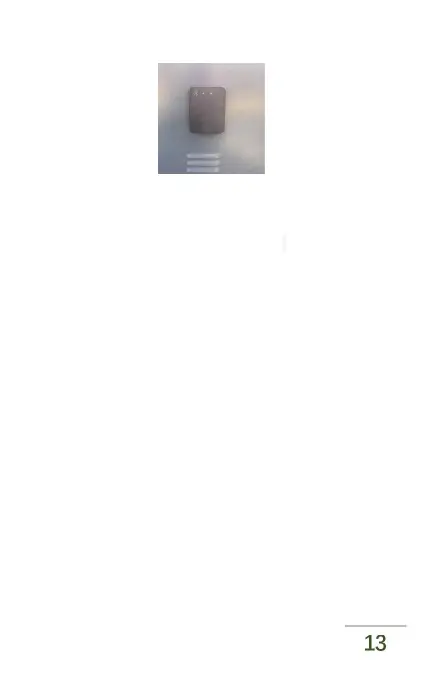
(c)Post installation display
Figure 3. mounting and fixing steps schematic
As shown in Figures 3 (a)-(c), the radar is fixed to the
brake box through the bottom bolt. Firstly the radar is
plugged into the brake box, then cover the washer with
M16 screws to fix it, then insert the end of the wire
harness into the radar in the correct direction and lock
the metal buckle. The final installation effect is shown as
Figure 4.



 To Next Page