


 To Next Page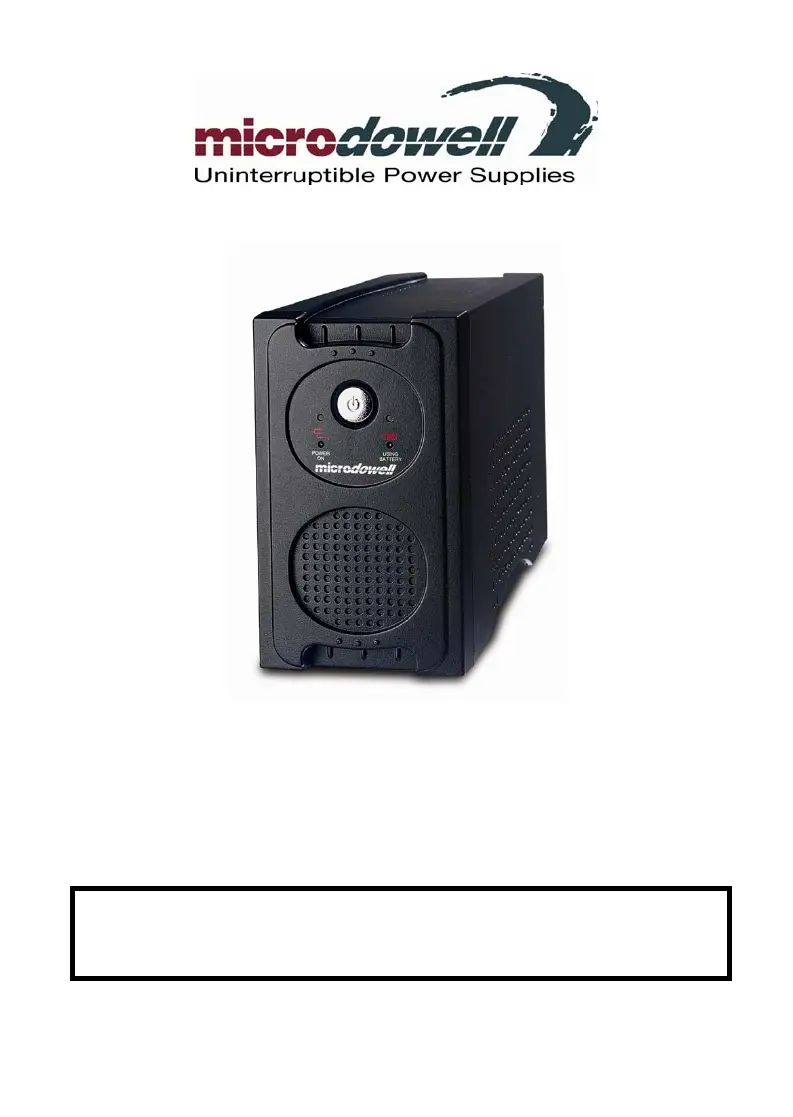
C
Christine DanielAug 8, 2025
What to do if microdowell UPS will not turn on?
- NNicholas BridgesAug 8, 2025
If your Microdowell UPS won't turn on, there are several potential causes. First, the on/off switch might be designed to prevent damage from rapid cycling; in this case, turn the UPS off, wait 10 seconds, and then turn it back on. Second, ensure the unit is properly connected to a 208/220/230/240 Vac 50Hz outlet. If these steps don't resolve the issue, the battery may be worn out or there may be a mechanical problem, requiring you to contact Microdowell.
 General