POLIFEMO-RADIO
User manual
Doc: POL_R_200_006_E
Version: 2.0
Page
8 of 11
12
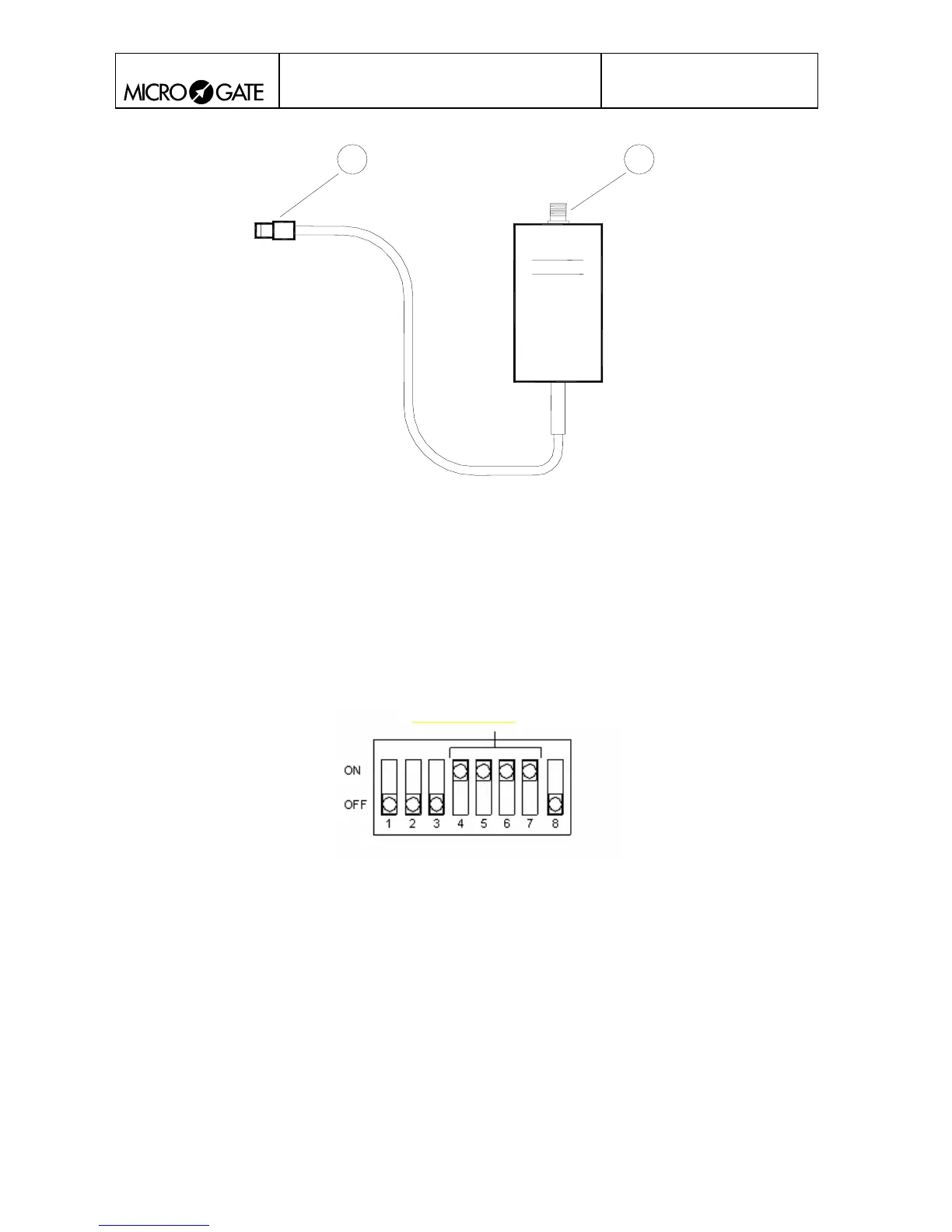
Fig. 4
1. BNC for external antenna connection
2. 5 pole Nucletron connector for Radio output
5.6. DISABLING RADIO TRANSMISSION
To disable wireless event transmission, set the 4 dip switches of CHANNEL SELECTION
(Switches 4-7) to the position ON (see Figure 5). Switch the photocell off and switch it on again
with the On/Off switch to activate this mode.
Disabling transmission
Figure 5



 To Next Page