Introduction
16. Accessories - Do not place this product on an unstable cart, stand, tripod, bracket or table. The
product may fall, causing serious injury to a child or adult, and serious damage to the product. Use
only with a cart, stand, tripod, bracket or table recommended by the manufacturer or sold with the
product. Any mounting of the product should follow the manufacturers’ instructions and should use a
mounting accessory recommended by the manufacturer.
17. Moving the product - A product and cart combination should be moved with care. Quick stops,
excessive force and uneven surfaces may cause the product and cart combination to overturn.
18. Un-use periods - The power cord of the device should be unplugged from the outlet during lightning
storms or when the apparatus is left unused for a long period of time.
19. Servicing - Do not attempt to service this product yourself, as opening or removing covers may expose
you to dangerous voltage or other hazards. Refer all servicing to qualified service personnel.
20. Please remove the power plug form the main power source or wall power source when not in use.
When plugged in to a power source, the system is in standby mode, so the power is not entirely cut off.
21. Replacement parts - When replacement parts are required, ensure the service technician has used
replacement parts specified by the manufacturer or have the same characteristics as the original part.
Unauthorized substitutions may result in fire, electric shock or other hazards.
22. Mains fuses - For continued protection against fire hazard, use fuses only of the correct type and
rating. The correct fuse specification for each voltage range is marked on the product.
23. Do not turn up the volume while listening to a section with very low level inputs or no audio signals. If
you do, the speaker may be damaged when a peak level section is suddenly played.
24. The only means of completely disconnecting the product from the power supply is by removing the
power cord from the wall outlet or the product. The wall outlet or the power cord entry to the product
must remain freely accessible at all times while the product is in use.
25. Try to install the product near a wall socket or extension cord and shall be easily accessible.
26. The highest environmental temperature suitable for this product is 40°C.
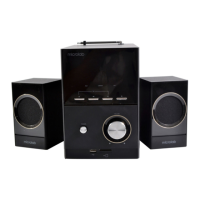
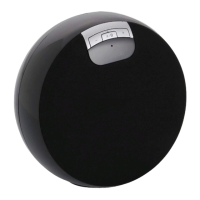
Uniquely designed 2.1 speaker system in a single compact sound box. Aesthetic in design, it fits into
most room types such as bedroom, kitchen or even your studies.
Connects wirelessly to your wirelessly technology enabled mobile phone or media player.Bluetooth®
Enjoy music without any messy cables from the music source. Listen to your favourite music from
your mobile phone, tablet, or notebook. Alternatively you can connect to traditional 3.5 mm stereo
music source.
Highly portable, this system features rechargeable battery and hand grip that lets you use it almost
anywhere.
Features
2.1 speaker system for full range music production
Wireless music with technologyBluetooth®
Generous bass effects and clear treble
Front panel controls for playback and pairing functionsBluetooth®
Comes with alternative 3.5mm stereo connection to most media players and computer
Rechargeable battery powered for portable use; carry it with you
Packagecontents
MD312 speaker system 1 pc
3.5mm - 3.5mm audio cable 1 pc
Charging adapter 1 pc
Rechargeable battery, BL-5C 1 pc
User manual 1 pc
EN
3
Function Instruction
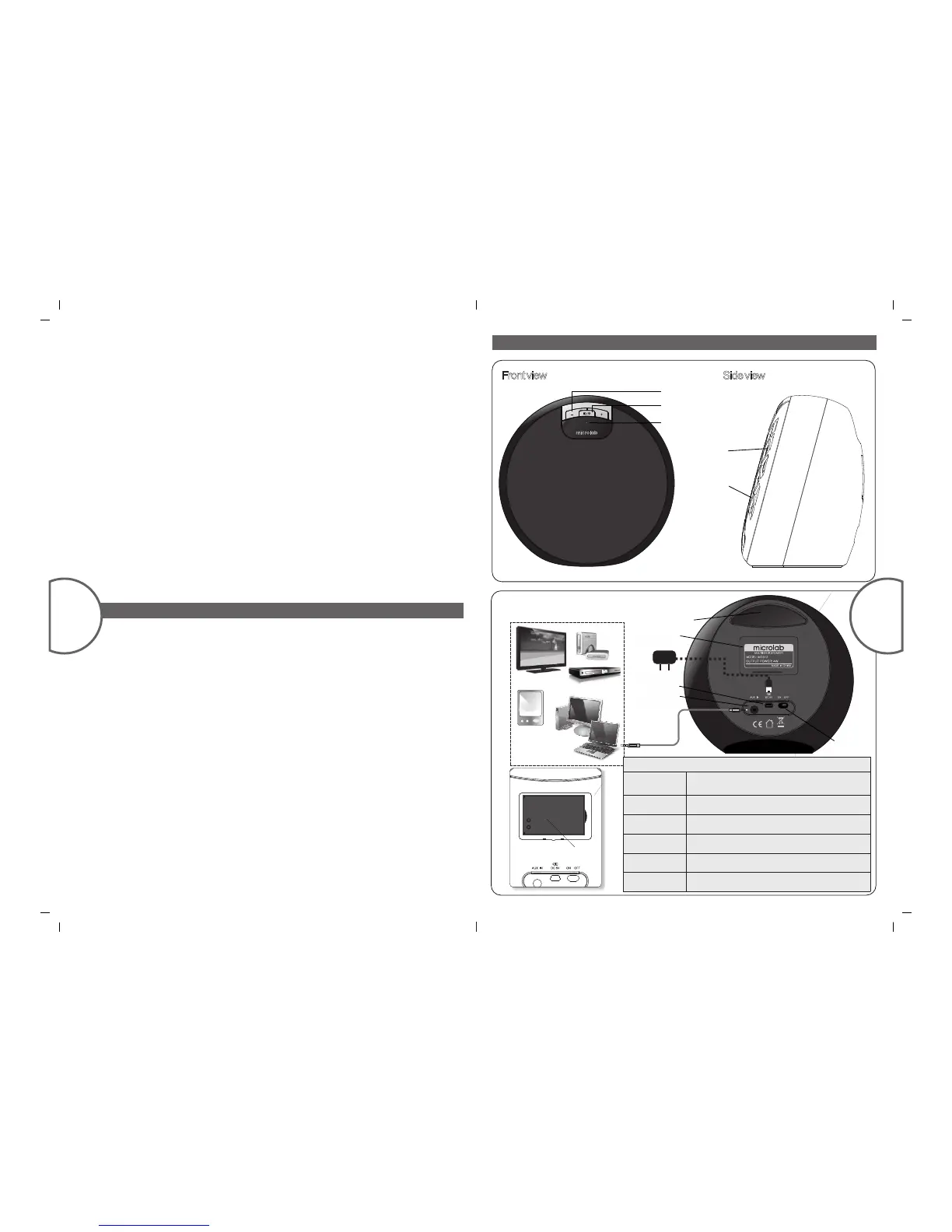
Illustrations
Frontview
Sideview
RearView:Connectionillustrations
Mp3 \ Mp4
Media pla yer
TV
PC or Notebo ok
Medi a
play er
CD\ VCD \ DVD
Blu-Ray p lay er
EN
4


 To Previous Page
 Loading...