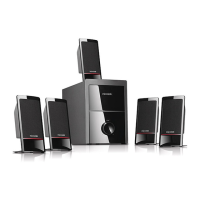
80 Watt RMS
15Watt x 2 + 50Watt
< 0.5% 1 W 1 kHz
30 Hz - 20 kHz
> 80 dB
> 45 dB
Output power, RMS
Power distribution, Watt
Harmonic distortion
Frequency response
Signal/Noise ratio, dB
Separation, dB
Technical Specification
Amplifier
Connections and Operations
Frequently Asked Questions (FAQs)
Questions Solutions
Power LED won't light up
No Sound
One or more satellite no sound
Static sound heard when
volume knob is turned
What are the products
supported?
Sound is distorted
If the problem still exists, please contact the distributor or seek professional advice.
Check if the system is powered on
Check that the power plug is well connected
Check that the audio source is working well
Check that the audio and speaker cables are well connected
Check if the volume is at right level
Check if the satellite cable is well connected, and ensure source
connection is correctly inserted
Turn off the playback source first, then turn the speaker volume
knob several times. Playback again and monitor. The static noise
is usually due to dust, so simply turning the volume will remove
it easily.
Any playback devices such as smartphone, tablet, PC, notebook,
CD/DVD player, media players with 3.5mm stereo plug.
Check that the source file is not corrupted, play a different song to
test. Ensure music file is of 192 kbps bitrate or higher.
+
LITHIUM BATTERY
CR 2025
3V
+
REMOTE
CONTROL
Battery installation
and
replacement
Type: CR 2025
4
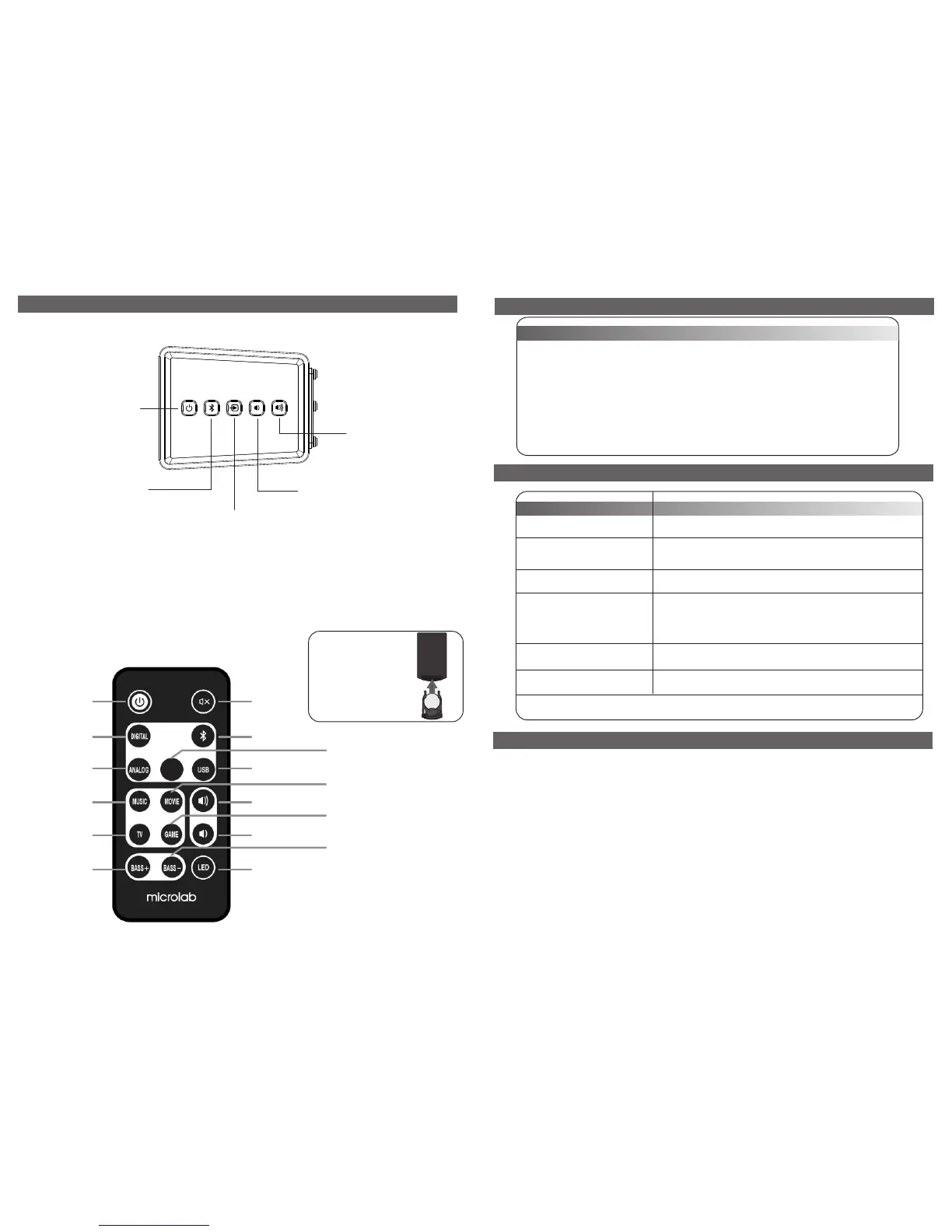
After power on, it defaults to
ST-BY mode. Short press ST-
BY to enter AUX mode, the
second press to mute,
another press to re-enter
AUX mode. Long press ST-
BY 3 seconds to enter ST-BY
mode
Short press to play and pause;
long press to pair.
Short press to select input modes; long press to enter remote
control learning status.
A. Long press up to 5 seconds
B. Indicative LED blinks, enter learning status.
C. Press any button on soundbar to start learning.
D. Indicative LED turns off.
E. Press the button on the remote control you want it to learn.
F. Indicative LED blinks 3 times, it's learned successfully.
G. Repeat A-F to learn other buttons
Volume up with indicative LED
blinking
Volume down with
indicative LED blinking
Packing list
You should find the following items while unpacking:
Speakers 2 pcs
Remote control 1 pc
3.5 mm stereo - 3.5 mm stereo 1 pc
User manual 1 pc
Warranty card 1 pc
Adaptor 1 pc
Battery 1 pc
Power Cable
Mounting Bracket
Screw Anchor
Mounting Screw
Bracket Screw
rubber pad
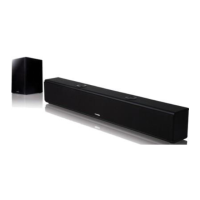
Plug in the soundbar and subwoofer, release ST-BY mode, subwoofer blinks blue and pairs to soundbar.
After successfully connected, blue light illuminates. Select any input mode to play.
Standby Mute
Optical Input
Bluetooth Input
AUX Input
ARC mode
USB Input
Music Mode
Movie Mode
News Mode
Game Mode
Volume Up
Volume Down
Bass Up
Bass Down
Turn off all LED
Remote Control Function
ARC
8 pcs
2 pcs
2 pcs
2 pcs
1 pc
4 pcs
5
80-TM100-97-0001-01 218-4-10


 To Next Page