EasyManua.ls Logo

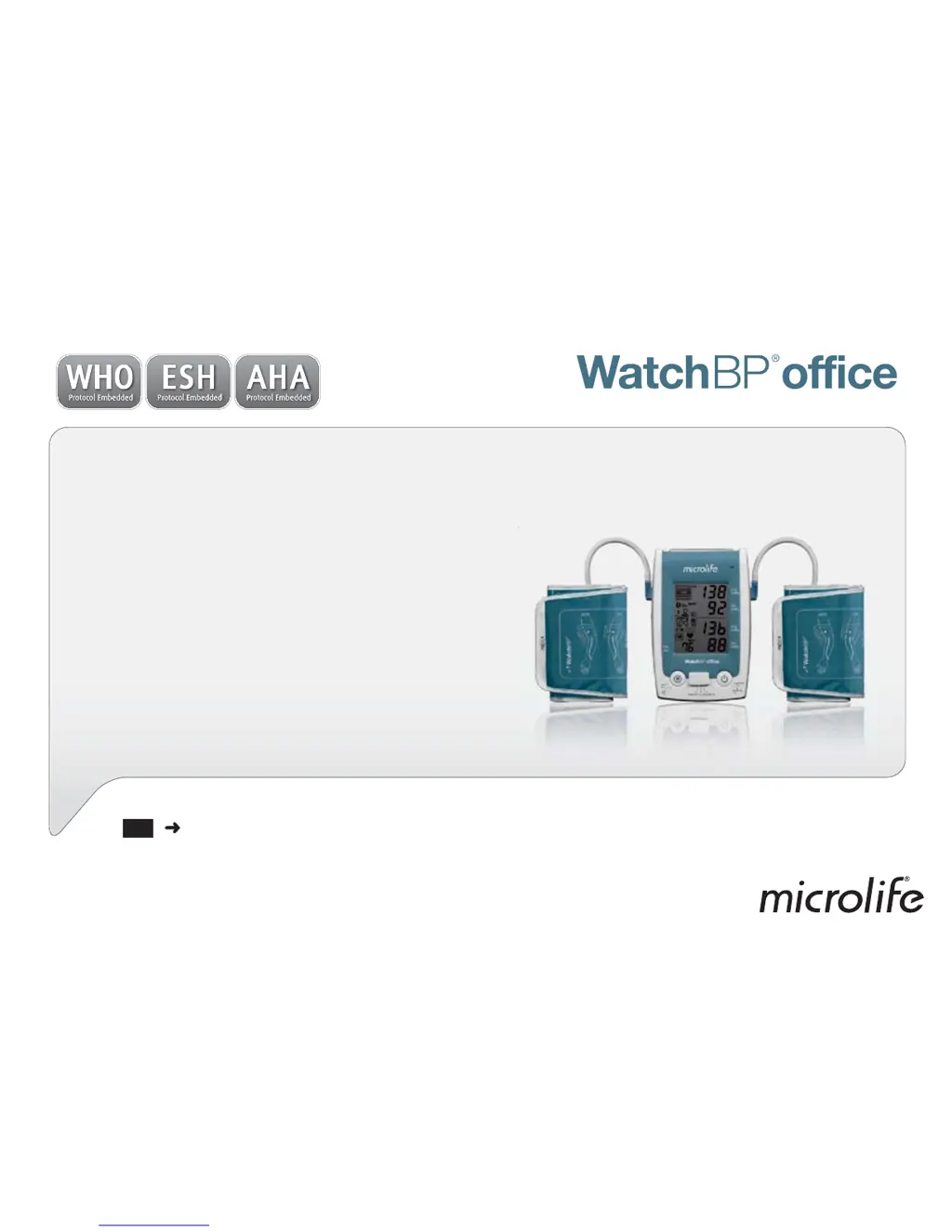
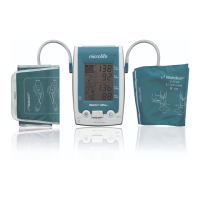
Microlife WatchBP office - User Manual

Microlife WatchBP office
39 pages
Print Icon
To Next Page IconTo Next Page
Loading...
EN
3
Simultaneous dual-arm
measurement and auscultatory
function for accurate office
blood pressure measurement.
Instruction Manual
ry

Questions and Answers

  • M
    Matthew RobertsonSep 23, 2025
    Why is there no pressure in the cuff of my Microlife WatchBP office Blood Pressure Monitor?
    • L
      ldelacruzSep 23, 2025
      If there is no pressure in the cuff of your Microlife Blood Pressure Monitor, replace the blood pressure cuff if necessary and repeat the measurement. This issue means that an adequate pressure cannot be generated in the cuff.
  • M
    Michael MoralesAug 25, 2025
    How to fix Microlife WatchBP office when there is no power or LCD display?
    • S
      Stephanie JordanAug 25, 2025
      If there is no power and the LCD display is off, first, ensure the power supply is properly plugged into the wall socket. If that doesn't work, the rechargeable battery might be fully discharged. Recharge it by plugging in the power supply.
  • M
    Michelle SanchezAug 25, 2025
    Why Microlife WatchBP office Blood Pressure Monitor has no power or LCD display?
    • J
      Janet SandovalAug 26, 2025
      If your Microlife Blood Pressure Monitor isn't turning on or the LCD display is blank, it could be due to a couple of reasons. First, ensure the power supply is properly plugged into the wall socket. Second, the battery might be fully discharged; try recharging it by plugging in the power supply.
  • J
    Jeanette BaileyAug 26, 2025
    How to fix no result displayed between measurements on Microlife WatchBP office Blood Pressure Monitor?
    • D
      Devin HoganAug 27, 2025
      If your Microlife Blood Pressure Monitor isn't displaying results between measurements, disable the “hide” function. Alternatively, use the «1st VISIT» / «FOLLOW-UP» mode to measure your blood pressure.
  • T
    Theodore MartinAug 27, 2025
    What does «Err 2» mean on Microlife Blood Pressure Monitor?
    • J
      juanharrisAug 27, 2025
      The «Err 2» message on your Microlife Blood Pressure Monitor indicates that error signals were detected during the measurement. This can be caused by movement or muscle tension. To resolve this, repeat the measurement, ensuring your arm remains still.
  • C
    Curtis ScottSep 14, 2025
    What to do if my Microlife Blood Pressure Monitor displays an error signal during central blood pressure measurement?
    • T
      Terry WilliamsSep 14, 2025
      If your Microlife Blood Pressure Monitor shows an error signal during central blood pressure measurement, it means the cuff detected error signals, possibly due to movement or muscle tension. Repeat the measurement, keeping your arm still.
  • B
    Bradley GonzalesSep 12, 2025
    How to fix a 'Signal too weak' error on my Microlife WatchBP office?
    • C
      craig65Sep 12, 2025
      If your Microlife Blood Pressure Monitor displays a 'Signal too weak' message, it indicates that the pulse signals on the cuff are too weak. Try repositioning the cuff and repeating the measurement.
  • A
    Ann MatthewsSep 13, 2025
    What does it mean when my Microlife WatchBP office shows 'Signal too weak' during central blood pressure measurement?
    • J
      Jennifer VegaSep 13, 2025
      If you encounter a 'Signal too weak' message during central blood pressure measurement with your Microlife Blood Pressure Monitor, it means the pulse signals on the cuff are too weak. Re-position the cuff and repeat the measurement.
  • M
    Michelle HollandSep 4, 2025
    Why hide, pressure, or pause interval can not be set on Microlife Blood Pressure Monitor?
    • D
      Dillon GarciaSep 5, 2025
      If the hide, pressure, or pause interval cannot be set, it might be because the wireless option is ON. When the Bluetooth switch is in the ON position, the device cannot be operated by the Start/Stop and M Button. Switch off the Bluetooth or use the included software to control the device.
  • M
    Mr. Adam BakerSep 2, 2025
    What to do if cannot access Microlife WatchBP office Blood Pressure Monitor device via computer?
    • A
      Ann BrownSep 2, 2025
      If you cannot access the device via computer, ensure that the Bluetooth software provided with the device is installed on your computer.

Summary

Product Description

Before Using WatchBP Office

Three Operation Modes Overview

Taking Measurements with WatchBP Office

Taking Measurements in AUSCULTATION Mode

Step-by-step guide for performing measurements in AUSCULTATION mode.

Taking Measurements in 1 st VISIT Mode

Step-by-step guide for performing measurements in the 1st VISIT mode.

Taking Measurements in FOLLOW-UP Mode

Step-by-step guide for performing measurements in the FOLLOW-UP mode.

Viewing Measurement Results

Wireless Control Setup

Setting Up the Bluetooth Receiver

Guides users through installing the Bluetooth receiver driver on a computer.

Device Troubleshooting Guide

Troubleshooting: No Power or Display

Addresses issues related to the device not powering on or displaying anything.

Troubleshooting: Cuff Inflation Issues

Provides solutions for when the blood pressure cuff fails to inflate correctly.

Troubleshooting: Measurement Failure

Offers guidance when the device is unable to perform a blood pressure measurement.

Troubleshooting: Computer Connectivity Issues

Solves problems related to connecting or accessing the device from a computer.

Device Error Messages

Error Code Err 1: Signal Too Weak

Explains error code Err 1 and its cause related to weak pulse signals.

Error Code Err 2: Error Signal

Explains error code Err 2 and its cause related to detected error signals during measurement.

Error Code Err 3: No Cuff Pressure

Explains error code Err 3 regarding insufficient cuff pressure.

Error Code HI: High Pulse or Pressure

Explains error code HI for high pulse or cuff pressure.

Error Code Err 5: Abnormal Result

Explains error code Err 5 for inaccurate or unreadable measurement results.

Error Code LO: Low Pulse Rate

Explains error code LO for low pulse rate.

Safety, Care, Testing, and Disposal

Safety and Protection Guidelines

Provides essential safety guidelines for using the device correctly and preventing damage.

Microlife WatchBP office Specifications

General IconGeneral
Device TypeUpper Arm Blood Pressure Monitor
Measurement MethodOscillometric
Display TypeLCD
Average ReadingYes
Irregular Heartbeat DetectionYes
PC ConnectivityUSB
Clinically ValidatedYes
Accuracy (Pressure)±3 mmHg
Accuracy (Pulse)±5% of reading
Measurement Range (Pulse)40 - 200 bpm
Cuff Size22 - 42 cm
Power Source4 x AA batteries
Dimensions150 x 100 x 50 mm

Related product manuals