11
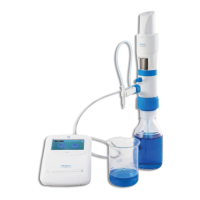
Place the discharge tube orifice against the inner wall of a suitably
receiving vessel.
Now fill the barrel from the titration screen by clicking the fill button.
By pressing the stop button, the filling volume can be stopped as
and when you need to.
Microlit E-burette offers the free dispensing speeds are provided,
including dropwise dispensing that allows the user to get accurate
end point of the titration:
The user interface is very responsive and the dispensing starts by
clicking the appropriate button on the control panel and stops
immediately when the touch is removed.
Press the TARE button to reset to Zero and repeat the process.
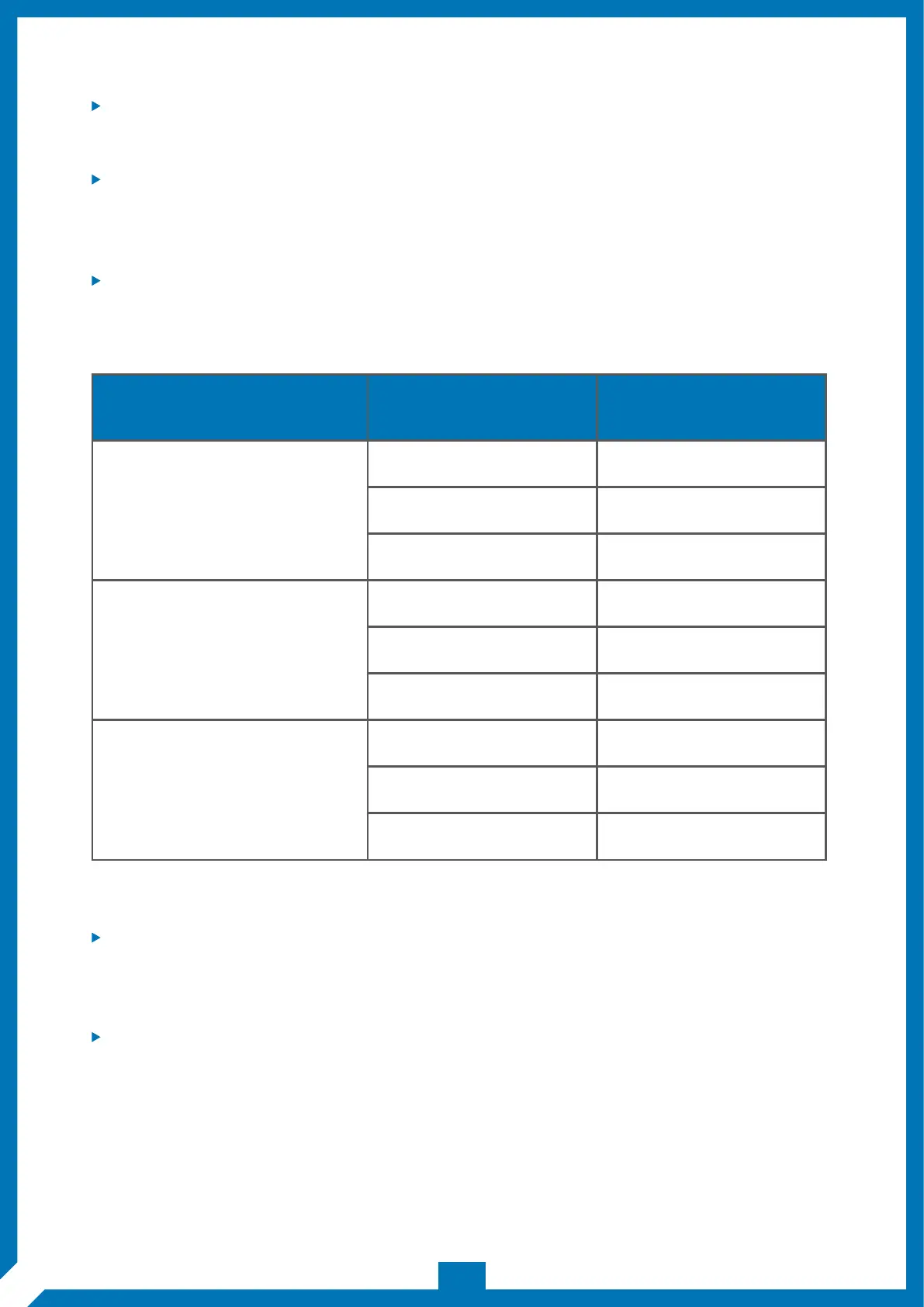
BURETTE MODEL MODE SPEED
Fast
Medium
Dropwise
Fast
Medium
Dropwise
Fast
Medium
Dropwise
3.8ml/sec
1.3ml/sec
10ul/click
2.1ml/sec
0.7ml/sec
10ul/click
1.2ml/sec
0.2ml/sec
5ul/click
50 ml
10 ml
25 ml


 To Next Page