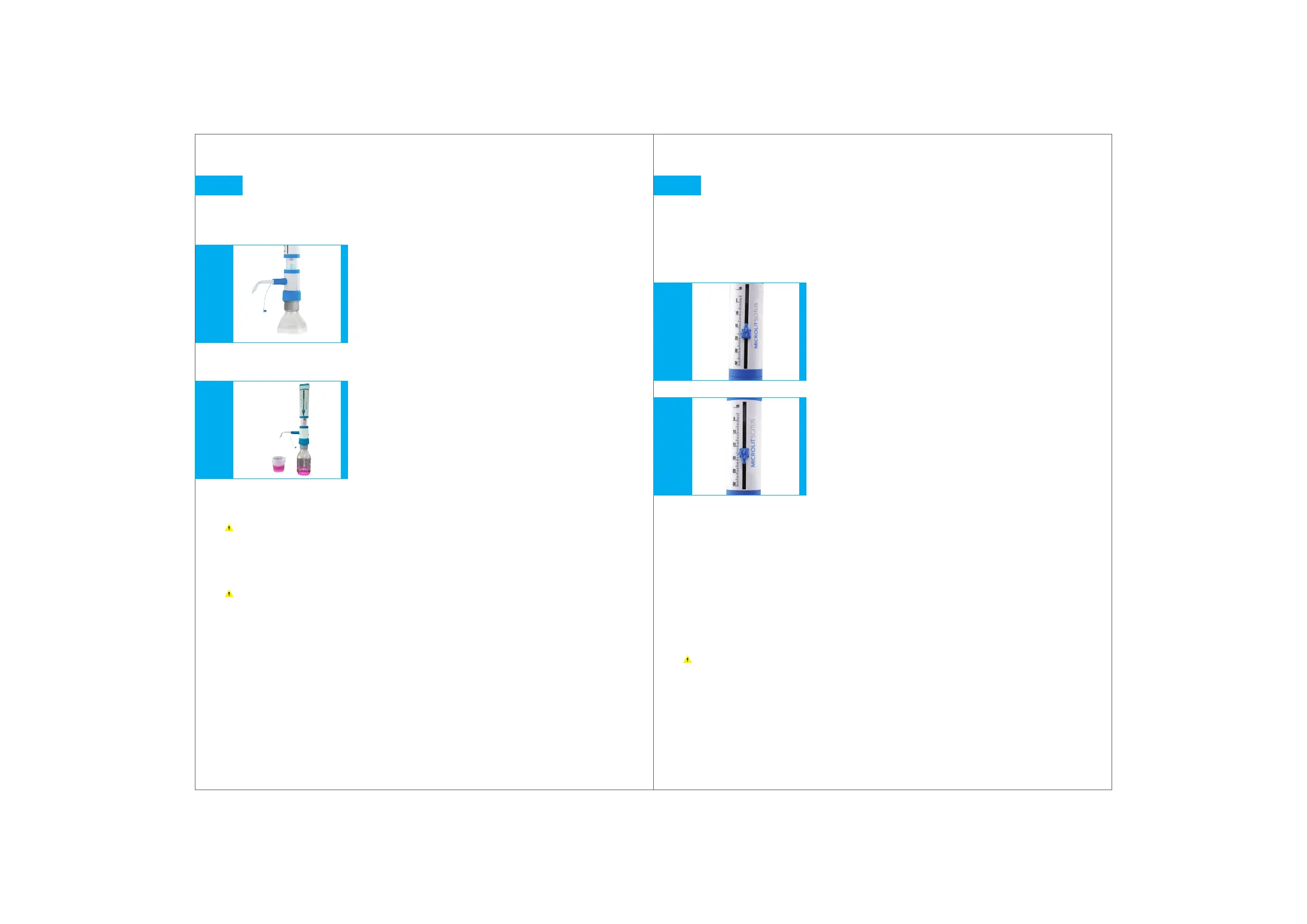
Fig. 9.1
1615
Fig. 9.2
Priming
Place a receiving vessel under the Dispenser's delivery nozzle.
Repeat until a steady bubble free flow is visible in the barrel.
To avoid splashes while priming, hold the discharge tube against the
inner wall of the appropriate receiving vessel.
Dispense liquid to prime the discharge tube until it is bubble free.
Wipe away any remaining drops from the discharge tube.
Before using the instrument for the first time, ensure that it has been
rinsed carefully and discard the first few samples dispensed.
Avoid splashing.
9.
1.
2.
3.
4.
Remove the Nozzle Cap.
Prime the unit with a few gentle up and
down strokes, taking the piston down to its
lowest stop position and lifting it up.
Fig. 10.1Fig. 10.2
Volume Setting and Dispensing
Volume setting
Volume Adjustment Knob is simple and easy to operate.
There are two positions of the knob as shown:
To set the volume, follow these simple steps:
Unlock the Knob by rotating it ANTICLOCKWISE.
The slider is now loose and can be moved up and down.
Set your desired volume by aligning the pointer with the scale.
To lock the set volume, turn the Knob from Position 2 to
Position 1 by rotating it CLOCKWISE.
Over rotating the knob may lead to breakage.
10.
1.
2.
3.
4.
Position 1
Locked
(Fig. 10.1)
Position 2
Unlocked
(Fig. 10.2)


 To Next Page