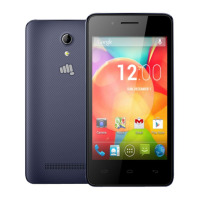
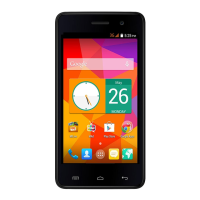
Q427+ L3 Service Manual
Flash the handset with latest SW
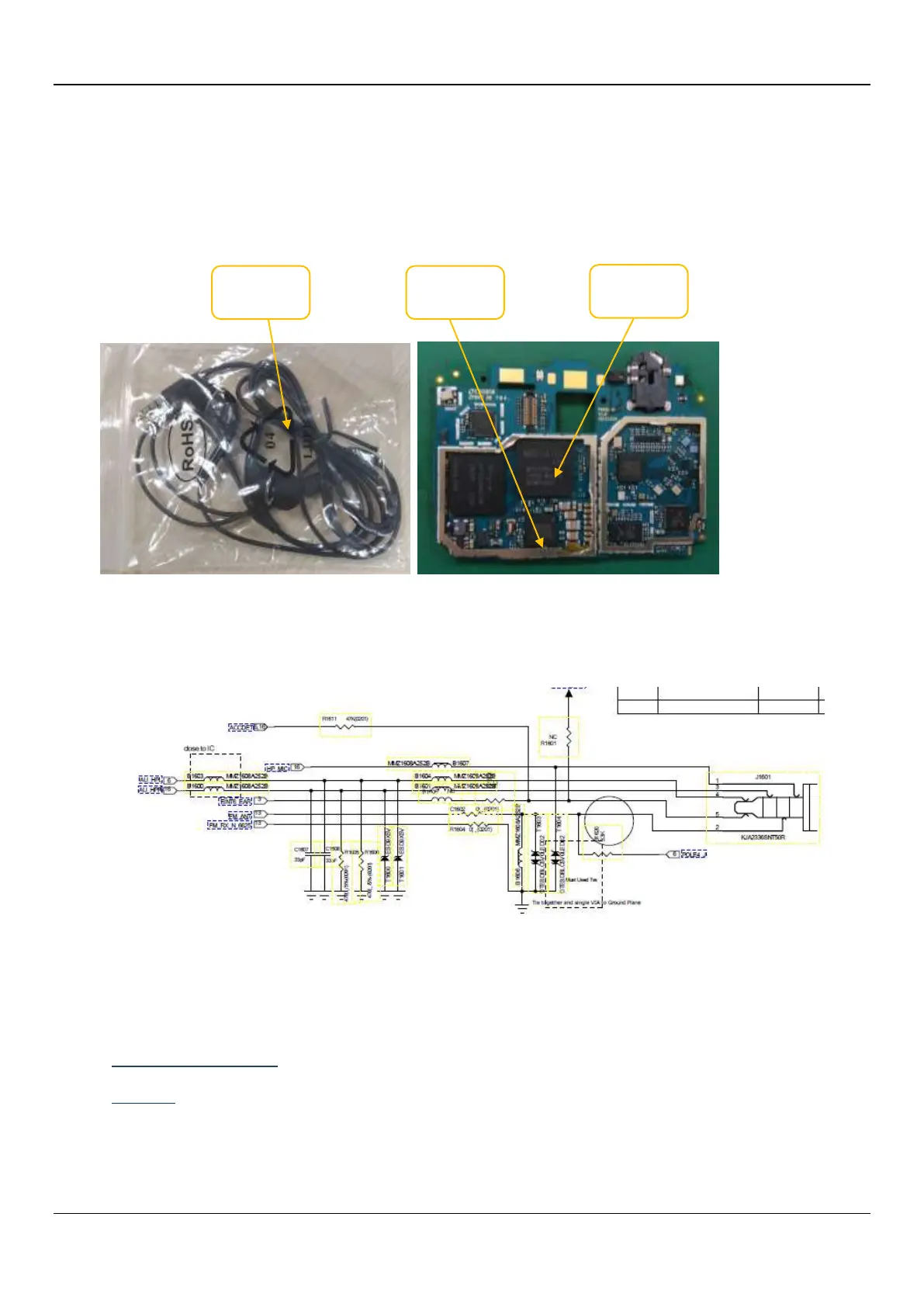
Check the earphone normally or not, then change it;
Check the earphone jack normally or not. then Re-Solder earphone connector or change it
Check the Power IC normally or not, then Re-Solder Power IC or change it.
Check the CPU normally or not, then Re-Solder CPU or change it.
.
15. G SENSOR not working:
Solution:
Flash the handset with latest SW
Check the Sensor normally or not , Re-Solder Sensor or change it.



 To Next Page