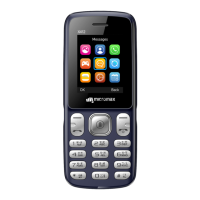
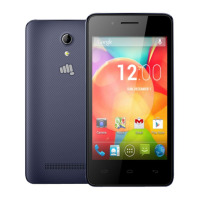
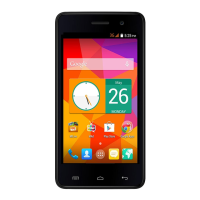
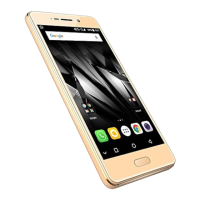
X245 User Manual
Use Multimedia Features
Menu → Multimedia
You can use Image viewer, Video recorder, Video player, Music player, Sound
recorder, and FM radio.
Camera
Menu → Camera
Your X245 comes with a 0.3 MP camera. Press the left key in camera mode to
choose from the various camera options. Press the OK key to take photos.
FM Radio
Menu → Multimedia → FM radio
You can listen to your favorite FM channels using the inbuilt FM receiver of your
phone.
You can insert the earphone into your handset, as shown in the following image:
Use the navigation keys and OK key to use various features in the FM radio
interface.


 To Next Page