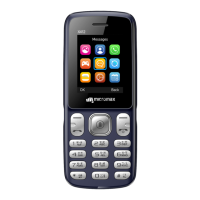
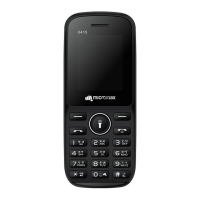
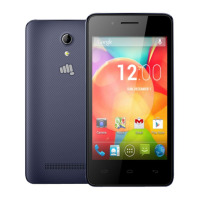
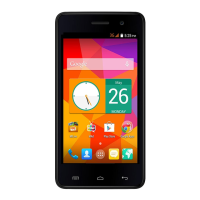
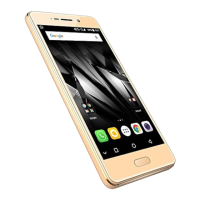
X245 User Manual
Notable Features
Torch Light
Long press the 0 key to turn the torch on/off, or you can go to Menu →
Organizer → Torch to turn the torch on/off.
Phone Language
Menu → Settings → Phone Settings → Language
You can change the phone language according to your preference. Your X245
supports Hindi and English language.
Phone Security
Menu → Settings → Security Settings → Phone Security
You can turn on or off phone screen lock and set your desired password to lock
the phone screen. Default password is 0000.
You may configure other settings from the respective setting sections.


 To Next Page