Micronova S.r.l. - Via A. Niedda, 3 - 35010 Vigonza (PD) - +39 049 8931563 - +39 049 8931346
date 09/06/2017
page 13 of 15
BootLoader
Micronova
ENG
USE
6. Uploading a file to the card
The following operations must be made without the USB connection.
Using the micro-switches, select the software you intend to install on the card.
a. Keep the card unpowered.
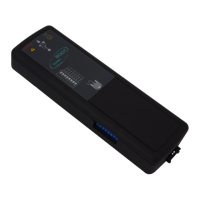
b. Connect the BootLoader to the card only using the serial cable supplied.
c. Power the card and watch the yellow LED blink, while the red LED
stays off.
If the red LED turns on it means that the file transfer from the BootLoader has not
been successful.
Repeat the operation and if it still doesn’t work contact Micronova.


 To Next Page