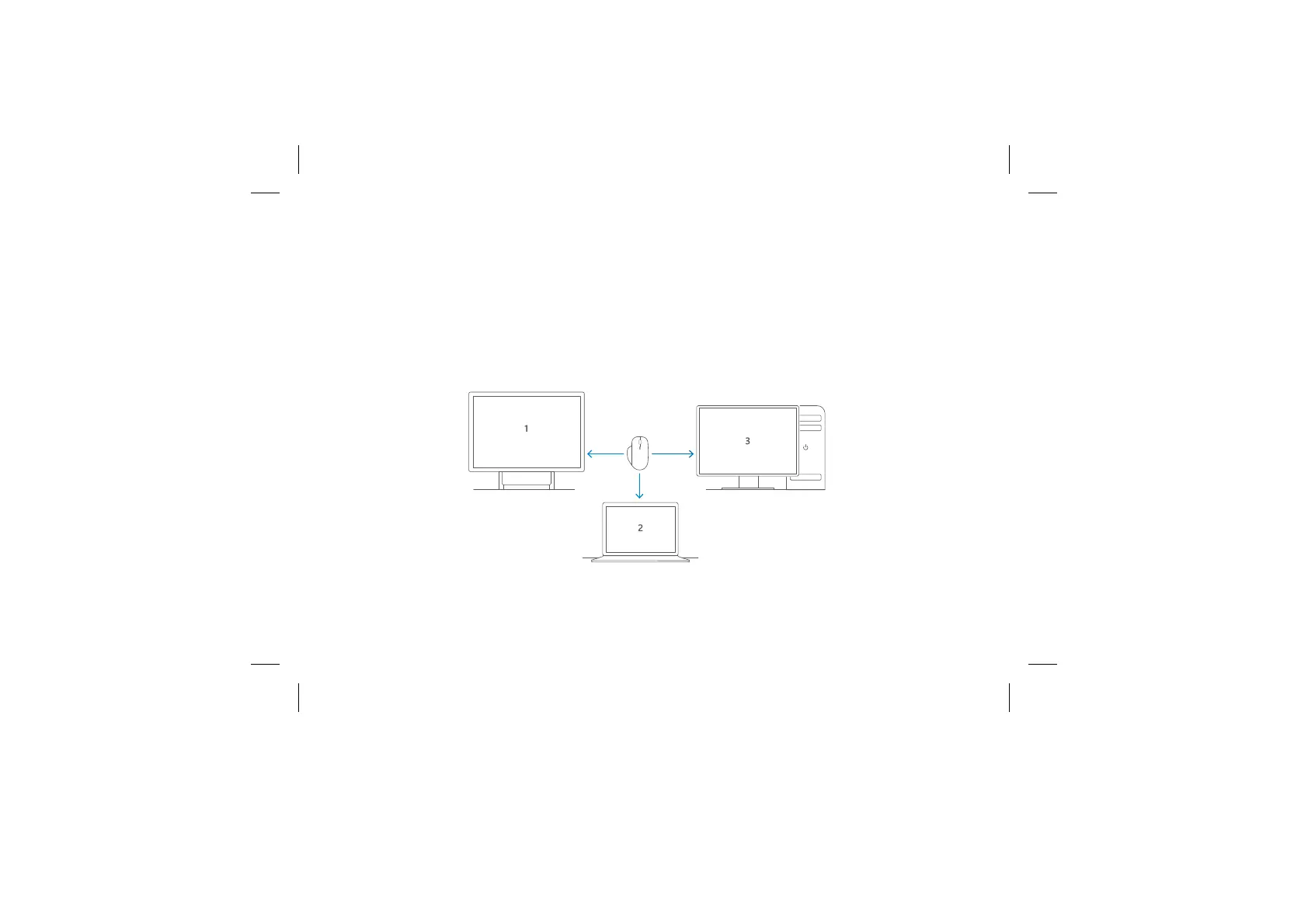
Smart Switching
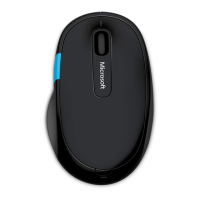
1. Install Mouse and Keyboard Center* on all your PCs. You can use up to 3 at a time.
2. Pair your mouse with each PC (see Connect Wirelessly section.)
3. In the Mouse and Keyboard Center, go to basic settings > Precision mouse settings > Smart
Switching to customize the location of your PCs.
4. Switch between PCs by moving the mouse cursor from one screen to the next.
*You must accept License Agreement and download at microsoft.com/accessories/downloads. Internet fees may apply.



 To Next Page