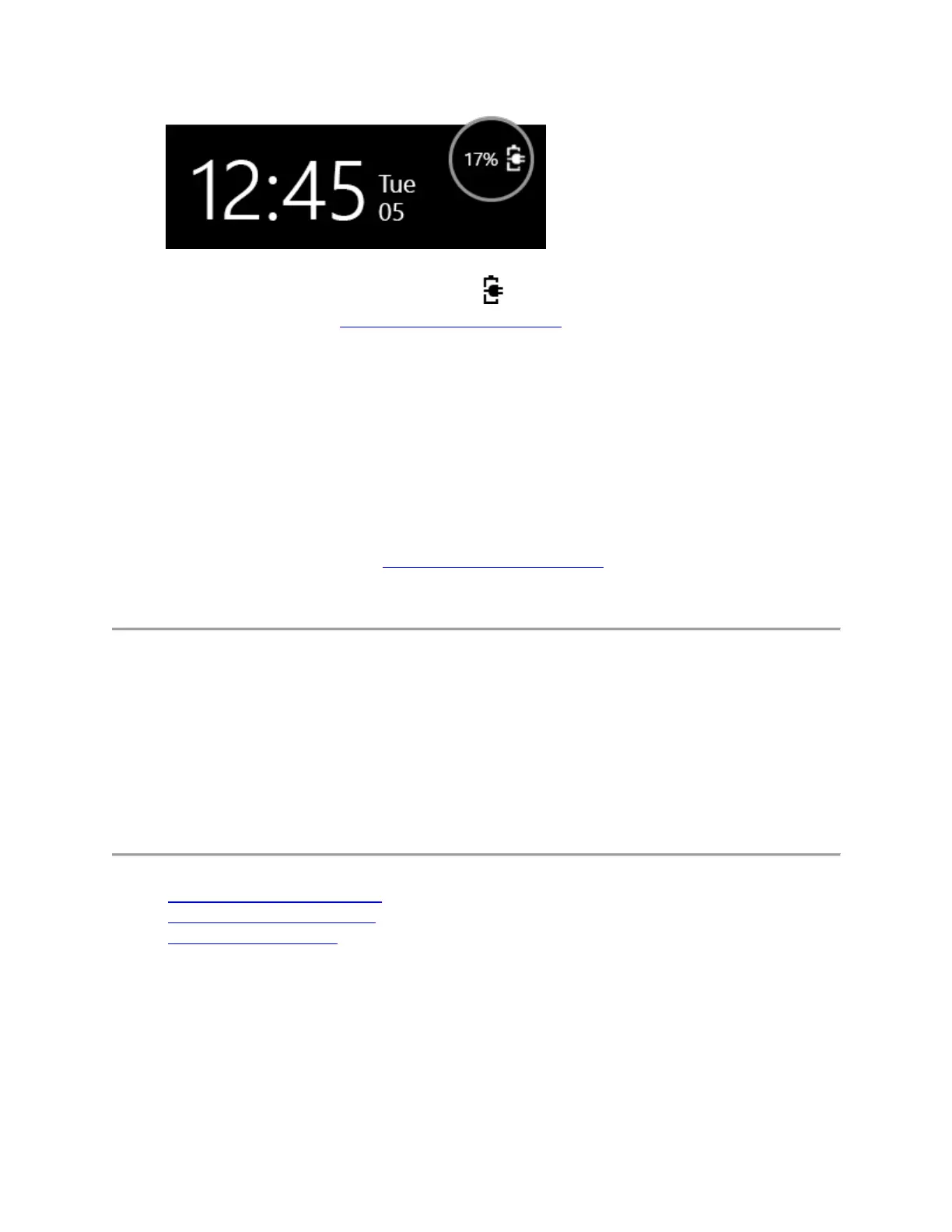
If you don't see Battery charging or if the amount of charge doesn’t increase
over time, go to Get my Microsoft Band fixed to replace your Band and charging
cable.
Note
If your Band’s battery status appears to be stuck at 80 percent, your Band is probably still
charging correctly. Although the battery may reach 80 percent after charging for 20 minutes, it
can take two or more hours to charge it to 100 percent. This is normal for lithium-polymer
batteries.
After attempting these troubleshooting solutions, if the screen stays dark after your Band has
been charging for 10 minutes, go to Get my Microsoft Band fixed to replace your Band and
charging cable.
Microsoft Band 2 battery and charging
Microsoft Band 2 uses an internal lithium-polymer battery.
Learn about your Band’s power states, how to charge your
Band, and how to check its battery level.
Microsoft Band 2 power states
Charge your Microsoft Band 2
Check the battery status
Microsoft Band 2 power states
Here’s how to turn your Band on and off and how to turn off the display to preserve power.


 To Next Page