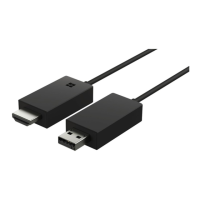
Connect your adapter to the TV and the power
supply
Connect an HDMI cable and plug in the power supply to get started.
1. Connect one end of an HDMI cable to the HDMI port of the adapter, and the other end to
the TV.
2. Connect the charger to the adapter, and plug the charger into a wall outlet.
3. Make sure your TV is switched on, and that the correct input mode is selected.
When you see the Start mirroring screen with instructions, you’re ready to connect the
adapter to your phone.
© 2014 Microsoft Mobile. All rights reserved.
6



 To Next Page