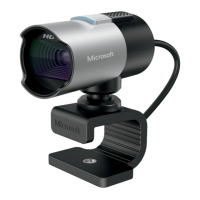
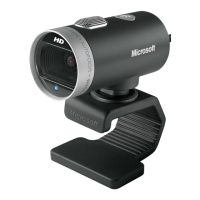
LifeCam Setup and Usage
2 May 2017 TIP-2014-044 4
©2017 Abbott Jewelry Systems, Inc.
• Make sure camera is connected via Windows, SKIP
SELECTING PHOTO DEVICE, and then go to POS ► Repair
Intake. Select the photo icon then Acquire and check it.
• Go to bottom left of screen and select the Windows icon, search
“devices and printers” and make sure Windows sees the camera.


 To Previous Page