InserttwoAAalkalinebatteriesinthedevice.
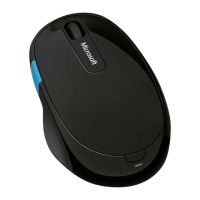
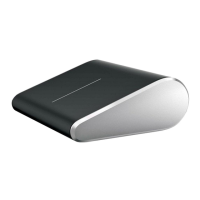
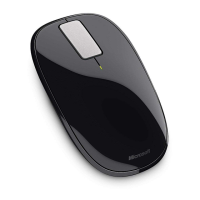
Turnonthedevice.TheBlueTrackTechnology
®
lightturnsonandashes.
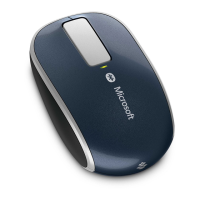
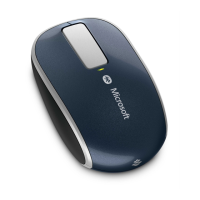
Thersttimeyouturnonyourdeviceoutofthebox,asmalllighton
topofthedeviceblinksgreenandredalternately.Thisindicatesthatthe
deviceisdiscoverabletootherBluetoothdeviceswithin6minutes.
Connectthedevicetoyourcomputer:
®
Pressthe,type,select
fromthesearchresults,andthenselect
Fromthemenu,select,andin
view,locate,andthenselect
.
Whenthedeviceislisted,selectit,andfollowtheinstructionsto
completeconnection.
Ifyoudonotconnectthedevicetoyourcomputerwithin6minutes
(orifyouarereconnectingadevicethatwasconnectedpreviously),press
andholdtheConnect buttonontheundersideofthedevicefor3to5
secondstomakeitdiscoverableagain.
Whenthedeviceissuccessfullyconnected,Setupautomatically
downloadstheMicrosoftMouseandKeyboardCenterapptoyour
computer.Youcanusethisapptoaccessandcustomizethefeaturesfor
yourdevice.Tocompleteinstallation:
Fromthe,selectto
openthe,andthenselect.
Followthedirectionsdisplayedonthescreen.
www.microsoft.com/hardware/support




 To Next Page