4 M1192218
Device Identity Information
Surface Pro 7 Models
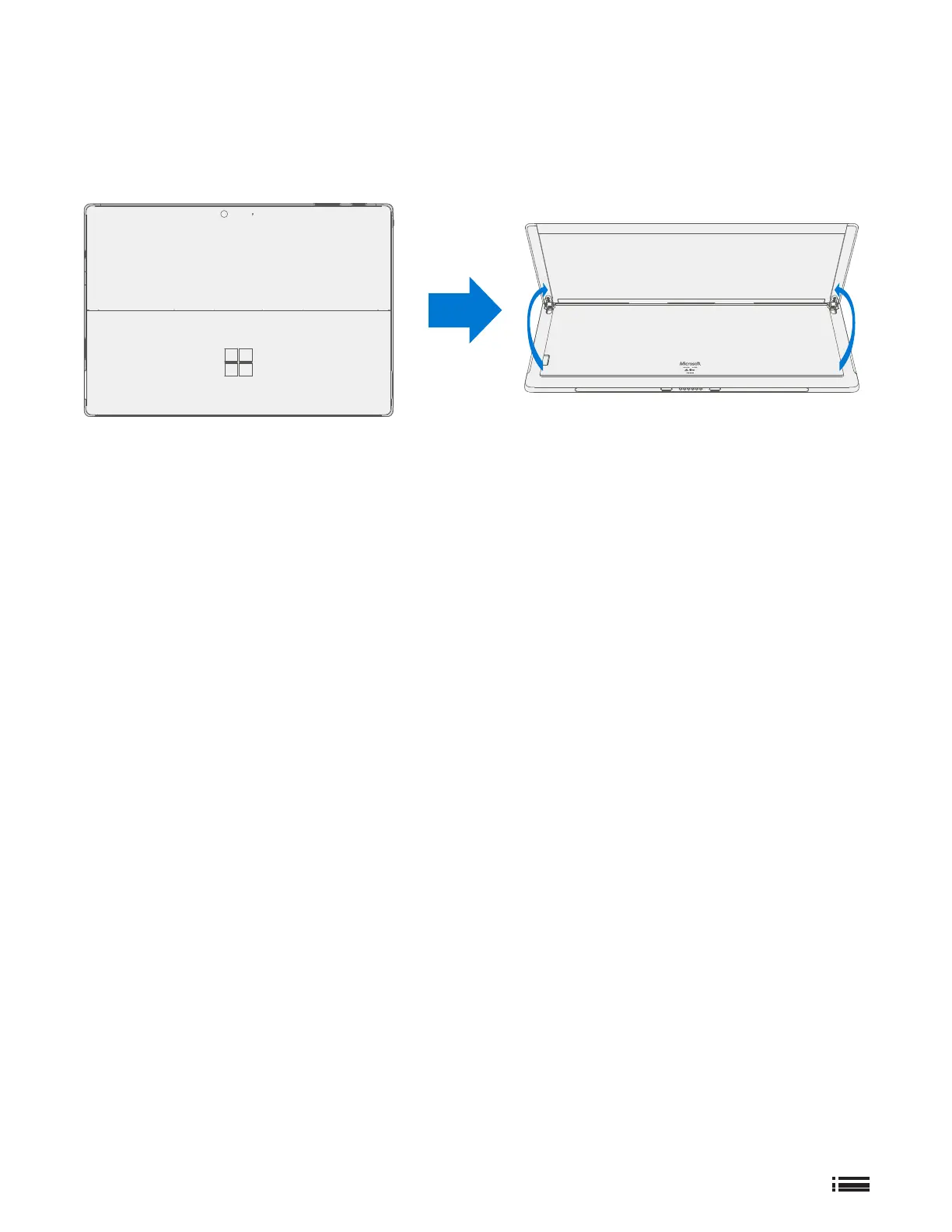
The serial number for Surface Pro 7 is located under the kickstand on the back cover.
Glossary of Terms
The following terms are used throughout this manual:
• SDT – Surface Diagnostic Toolkit
• ESD – Electro-Static Discharge
• IBC – Tablet Back Cover
• TDM – Touch Display Module is the complete screen with all layers.
• FRU – Field Replaceable Units are sub-system components such as the Kickstand. FRU are available only to
ASPs.
• Commercial Spares/CRU – Customer Replaceable Units available to commercial customers for repair by a
skilled-technician.











 To Next Page