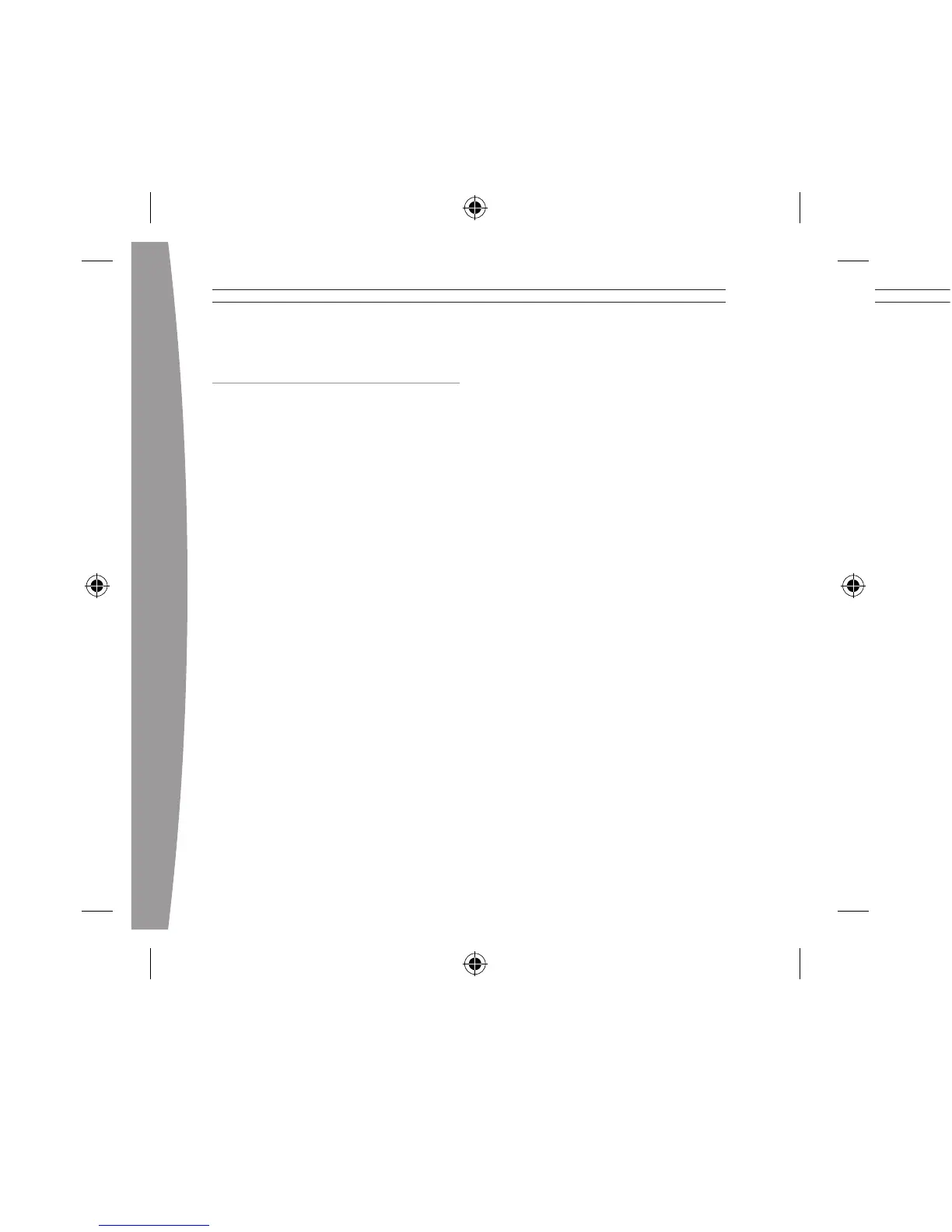
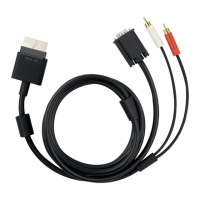
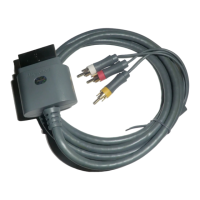
CONNECT YOUR
COMPONENT HD AV CABLE
IMPORTANT
Stationary images in video games
can “burn” into some TV screens,
creating a permanent shadow.
Consult your TV owner’s manual or
manufacturer before playing games.
Connect to a High Definition TV
To connect your console to your high
definition TV and an audio system:
1 Turn off your console.
2 Connect the AV connector on
the HD AV cable to the AV port
on the console.
3 Make sure the switch on the AV
port connector to set to HDTV.
4 Connect the red, green, and blue
color-banded connectors on the
HD AV cable to the corresponding
color inputs (Y, Cb/Pb, Cr/Pr)
on your TV. Leave the yellow
color-banded composite
connector unconnected.
5 Connect the solid color left and
right (white and red) audio
connectors on the HD AV cable to
the audio inputs on your TV.
6 Turn on your console. From the
System area, you can change
your display and HDTV settings.
Select the appropriate high
definition video setting for
your TV.
Connect to a Standard TV
To connect your console to your
standard TV and an audio system:
1 Turn off your console.
2 Connect the AV connector on the
HD AV cable to the AV port on
your console.
3 Make sure the switch on the AV
port connector is set to TV.
4 Connect the yellow color-banded
composite signal connector on
the HD AV cable to the yellow
input on your TV. Leave the red,
green, and blue color-banded
connectors unconnected.
5 Connect the solid color left and
right (white and red) audio
connectors on the HD AV cable to
the audio inputs on your TV.
Connect to a Digital
Audio System
If your system (typically, a receiver
or amplifier) has digital audio input,
you can connect to digital audio
rather than to the standard left and
right audio inputs. Digital audio input
should produce higher-quality sound.
To connect your console to
digital audio:
1 Connect the HD AV cable as
described in steps 1–4 of “Connect
to a High Definition TV” or
“Connect to a Standard TV.”
2 Connect your digital audio cable
(not included) to the digital audio
input on your receiver or TV and
the digital audio output on the
console end of the HD AV cable AV
connector.
3 Turn on your console. From the
System area, you can change your
audio and digital output settings.
Select the appropriate digital audio
setting for your system.


 To Next Page