QueSTIOnS
HowlongdoesittakeforZunetocharge?
YourZuneshouldfullychargeinabout
2hours.Ifyoudon’tseethecharging
symbol,tryswitchingtoanotherUSB
port on your PC or use the Zune AC Adapter
(soldseparately).
WhatiftheZunesoftwarecan’tnd
mydevice?
TryconnectingtoadifferentUSBport.
WhatifmyZuneisn’tresponding?
Tryrestartingit.Pressandholdwhile
pressingupontheZunepad.
Whatmedialeformatsaresupported
byZune?
Zunesupports.wma,.mp4,.m4a,.m4b,and
.mp3foraudio;.wmvand.m4vforvideo;and
.jpgforphotos.
Can I use my Zune while connected
tomyPC?
Yes. Close the Zune software to use
yourZune.Itwillcontinuetochargewhile
it’sconnected.
SeTuP
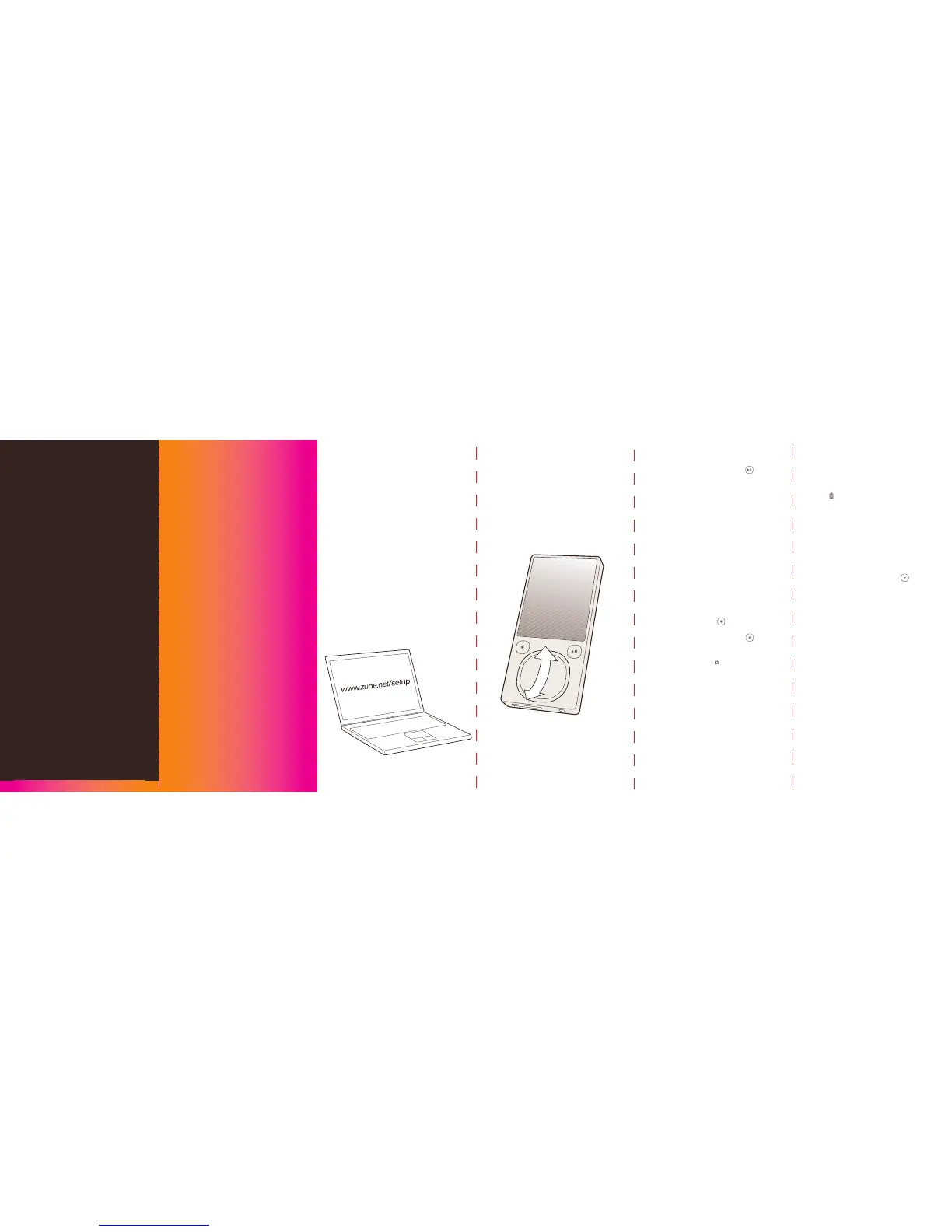
1 Visit www.zune.net/setup to install the
Zune software.
2 Wheninstallationiscomplete,connect
yourZunetoyourPCtostartsyncing.Your
Zunechargeswheneverit’sconnected.
3 Whensyncingisnished,grabyourZune
and have fun.
Zune PAD
SlideyourthumbupordowntheZunepad
toscroll.Slidequicklyafewtimestoscroll
faster.
Touchtostopscrolling.
COnTROLS
On/off
Volume
Next/previous
Fast-forward/
rewind
Playback
options
Previous screen
Return to home
Lock/unlock
Press and hold .
Press the Zune pad up
or down.
Toskip,presstherightside
oftheZunepad.Togo
back,presstheleftside.
Tofast-forward,press
andholdtherightsideof
theZunepad.Togoback,
press and hold the left side.
Forshufe,repeat,rate,
send,andsonglist,press
the Zune pad from the
NowPlayingscreen.
Press .
Press and hold .
Tolockthecontrols,setthe
lock()topink.


 To Previous Page