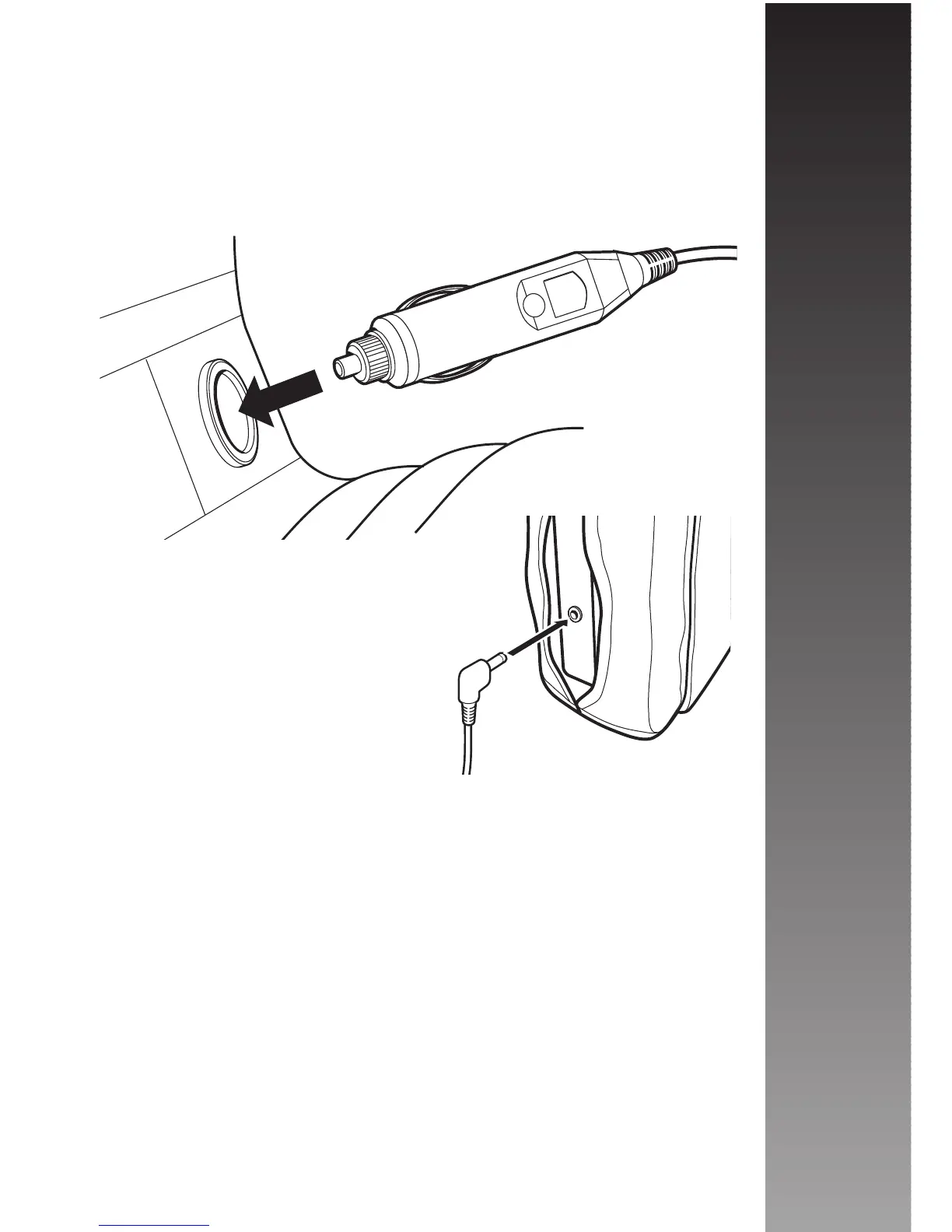
Next run the 12V Power Cable to the nearest cigarette
lighter socket and plug it in securely. Please note that the
nearest socket may be in the front of the vehicle, so care
must be taken to ensure that the cable does not interfere
with any of the vehicles controls and does not jeopardise
either the passengers or drivers safety.
Finally if you wish to use the
headphones provided, plug them
in to the headphone input socket
of the monitor.
Your Microvision MV 1 In Car Cinema System is now
ready for use! Adjust the Brightness control to obtain the
best picture quality.
Please Note: Do not start the vehicle whilst your In
Car Cinema system is plugged into the vehicles
cigarette lighter socket. The cigarette lighter socket
is prone to power surges as the vehicle is started
that may cause permanent damage to the unit.
Installation
10



 To Next Page