MDS 05-3301A01, Rev. C MDS 9810 Installation and Operation Guide 15
Invisible place holder
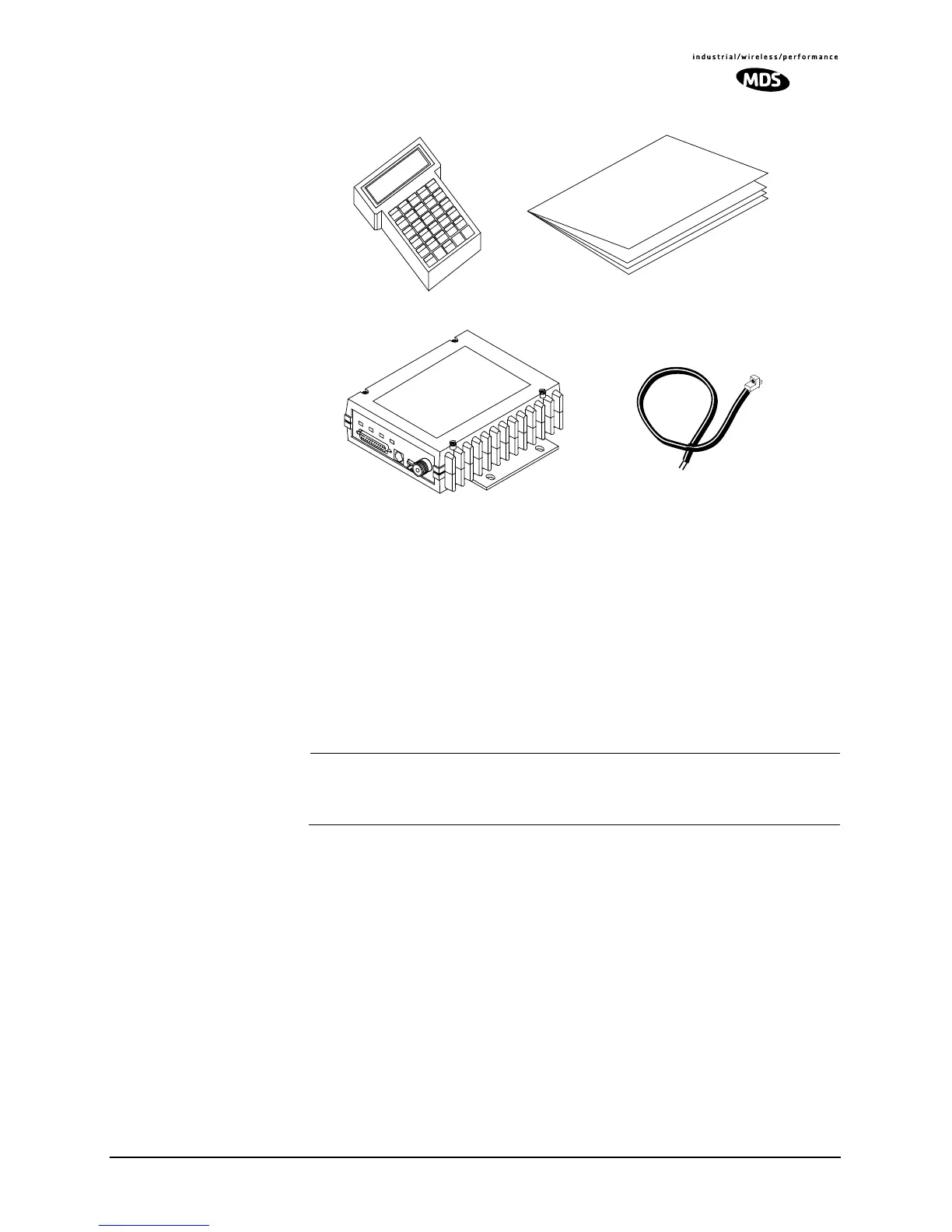
Figure 12. Typical Transceiver Shipment
Below are the basic steps for installing the transceiver. In most cases,
these steps alone will be sufficient to complete the installation. Should
further information be required, contact the factory at the number given
on the inside back cover of this manual.
If you are installing a peer-to-peer, tail-end link or repeater system, you
should also review Sections 4.2 (Page 19) and 4.3 (Page 21) for impor-
tant details on antennas, cabling and software settings.
NOTE: It is recommended that the master station be installed first. In
this way, it will be possible to quickly check the operation of
each associated remote station as it is placed on the air.
4.1 Transceiver Installation
1. Mount the transceiver to a stable surface using the brackets supplied
with the radio. (Fasteners/anchors are not supplied.) Figure 13
shows the dimensions of the transceiver case and its mounting
bracket. If possible, choose a mounting location that provides easy
access to the connectors on the end of the radio and an unobstructed
view of the LED status indicators.
INSTALLATION &
OPERATION GUIDE
13.8 VDC
POWER CABLE
HAND-HELD
TERMINAL
(OPTIONAL)
A
F1
B
F2
C
F3
D
F4
E
F5
F
G
H
1
I
2
J
3
K
L
M
4
N
5
O
6
P
Q
R
7
S
8
T
9
U
V
W
X
0
Y
.
Z
CTRL
ESC
BKSP
SPACE
ENTER
SHIFT
/
(
*
)
–
#
+
,
=
TRANSCEIVER



 To Next Page