62 MDS 9810 Installation and Operation Guide MDS 05-3301A01, Rev. C
Upgrading the Radio’s Software
Using the Radio Configuration software, select RADIO SOFTWARE
UPGRADE
under the SYSTEM menu. Follow the prompts and on-line
instructions to complete the upgrade procedure.
Software upgrades are distributed as ASCII files with a
.S28 extension.
These files use the Motorola S-record format. When the download is
activated, the radio’s
PWR LED will flash rapidly, confirming that a
download is in process. The download takes about two minutes.
NOTE: If a download fails, the radio is left unprogrammed and inop-
erative. This is indicated by the PWR LED flashing slowly (1
second on/1 second off). This condition is only likely to occur
if there is a power failure to the computer or radio during the
downloading process. The download can be attempted again
when the fault has been corrected.
Invisible place holder
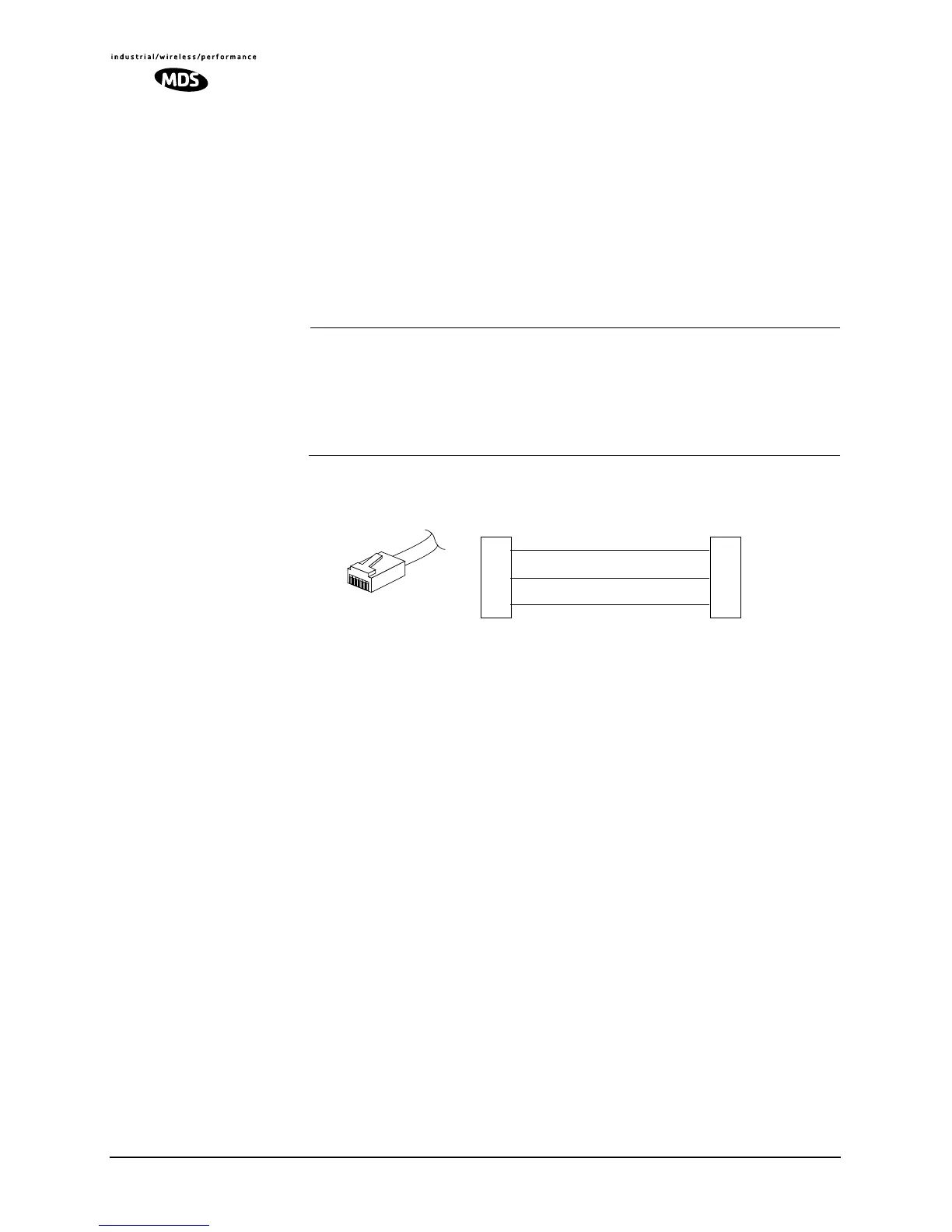
Figure 31. RJ-11 to DB-9 Adapter Cable
(for software upgrade using connected PC)
RXD
TXD
GND
2
3
5
DB-9 FEMALE
(TO COMPUTER)
TXD
RXD
GND
4
5
6
RJ-11 PLUG
(TO RADIO)
RJ-11 PIN LAYOUT
1
6



 To Next Page