18 MDS 9810 Installation and Operation Guide MDS 05-3301A01, Rev. C
The three essential settings for the transceiver are:
Mode—Master or Remote
Network Address—a unique number from 1–65000
Data Interface Parameters—bps, data bits, parity, stop bits
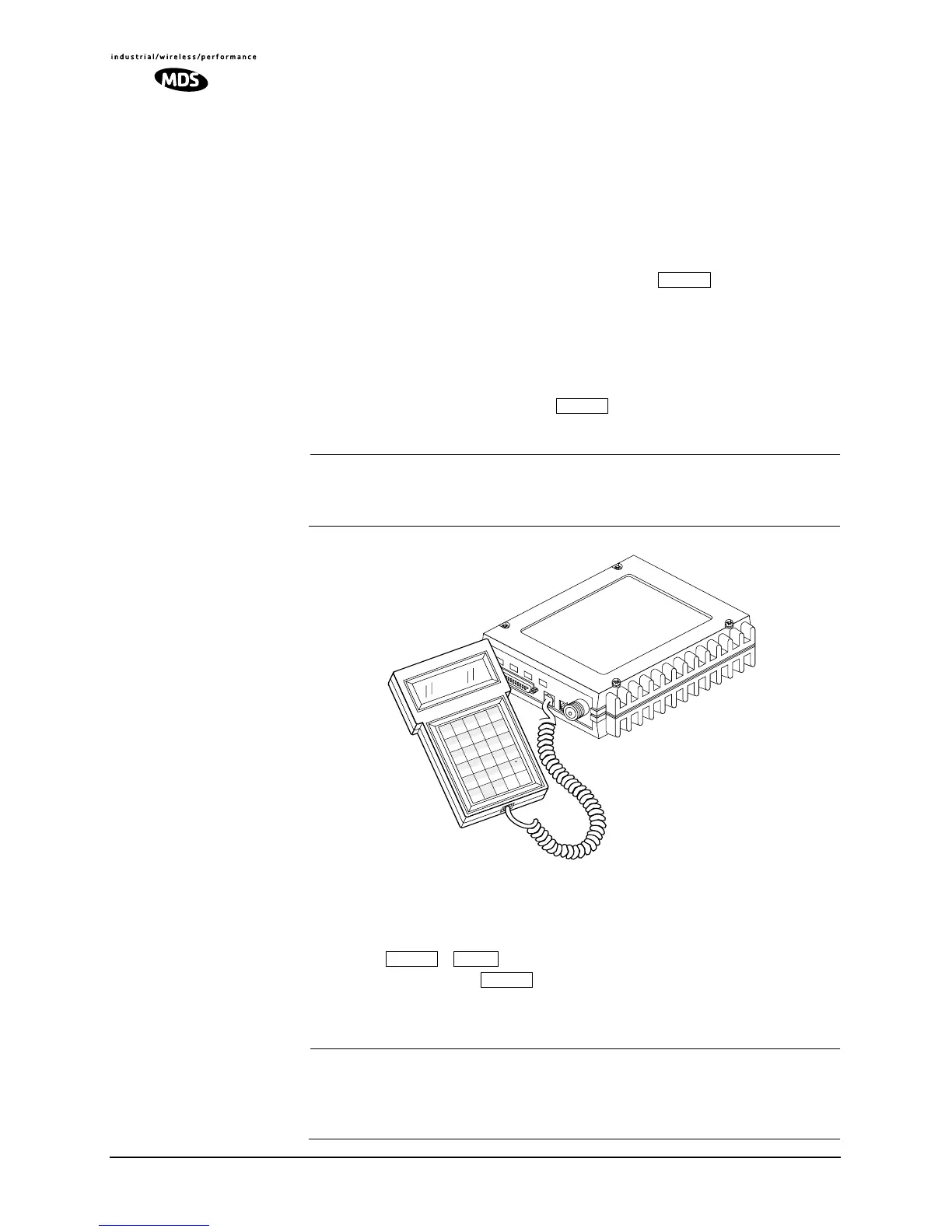
a. Connect an HHT to the DIAG(NOSTICS) connector (see
Figure 15). After the HHT beeps, press to display the
ready “>” prompt.
b. Set the Mode—Determine whether the transceiver will be used
as a master or remote, and program it accordingly using the
MODE M or MODE R command (Page 41). (MODE M = Master,
MODE R = Remote.) Press . The HHT will display PRO-
GRAMMED OK
.
NOTE: Transceivers are normally shipped from the factory
pre-configured as remotes. A master must be specifically
programmed using the MODE M command.
Invisible place holder
Figure 15. HHT Connected to Transceiver
c. Program the network address—Type ADDR (Page 36) followed
by , , and then the desired address number
(1–65000). Press . All radios in a given system must be
programmed with the same network address. After programming
the address,
PROGRAMMED OK will be displayed.
NOTE: It is strongly recommended that the last four digits of the
master radio’s serial number be used as the network address.
In this way, it is unlikely that two systems will have the same
address.
ENTER
ANTENNA
13.8
VDC
+
–
Z
CTRL
U
+
–
K
*
F
/
A
F1
V
,
Q
#
)
G
(
B
F2
SHIFT
ESC
W
=
R
7
M
4
H
1
C
F3
BKSP
X
0
S
8
N
5
I
2
D
F4
SP
ACE
Y
T
9
O
6
3
E
F5
ENTER
J
L
P
SPACE SHIFT
ENTER



 To Next Page