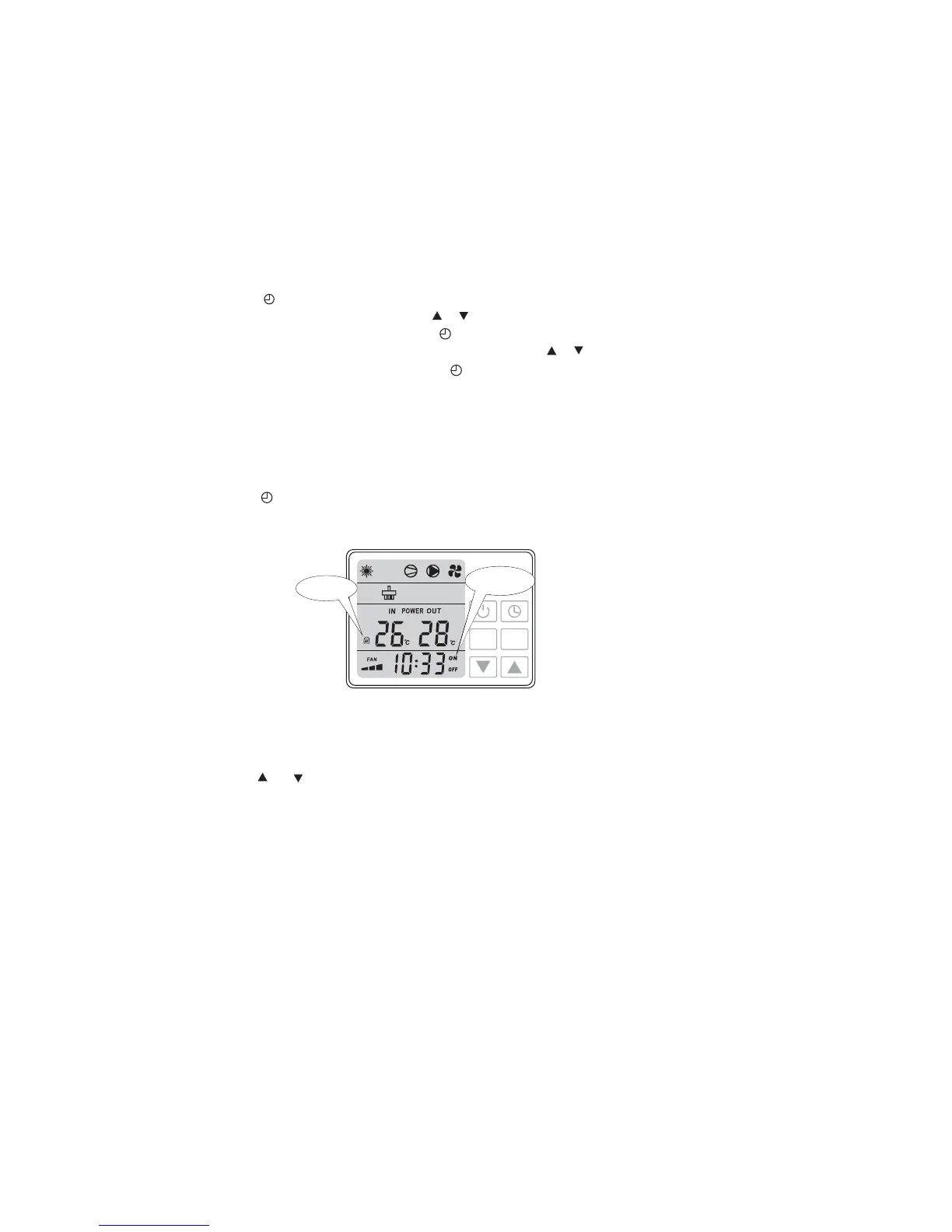
2.7 Setting Timer on/ Timer off
2.8 Cancelling Timer on and Timer off
Press button to activate, time and ON /OFF starts flashing together.
Press button to cancel the timer and ON/ OFF icons will disappear on the display.MENU
Press and button together for 5 seconds, display will show lock icon. Do this again to unlock.
Press button to enter timer setting.
Hour data will be flashing with ON, move or to set it.
Confirm timer on hour setting by pressing button.
Minute data starts flashing once hour setting is confirmed, move or to set it.
Confirm timer on minute setting by pressing button.
Once Timer on is set and confirmed Timer off will be activated.
Follow the same steps as setting Timer on to set Timer off.
2.9 Key pad lock
13
MODE
MENU
Key pad locked
Figure 2-6
Timer ON/OFF



 To Next Page