Please check the following items before having it repaired
Problem
Reason Solution
Unit will not operate
1、ON/OFF key has not been
pressed.
2、The unit is unplugged.
3、The blind cloth frame has
not been installed and locked
into place
1、Press the ON/OFF key.
2、Check to make sure the unit
is plugged in.
3、Check to make sure the filter
is properly installed and the
inlet grill is installed and locked
into place.
Dedusting effect is poor
1、The honeycomb filter
is blocked
2、The air inlet is blocked
1、Pull down the honeycomb
filter and clean it.
2、Remove the foreign matter
Warning:
Prior to cleaning or other maintance, the Air cooler must cut off the power and pull out
the plug;
Non-professional maintenance personnel, please don't dismantle the power cord.
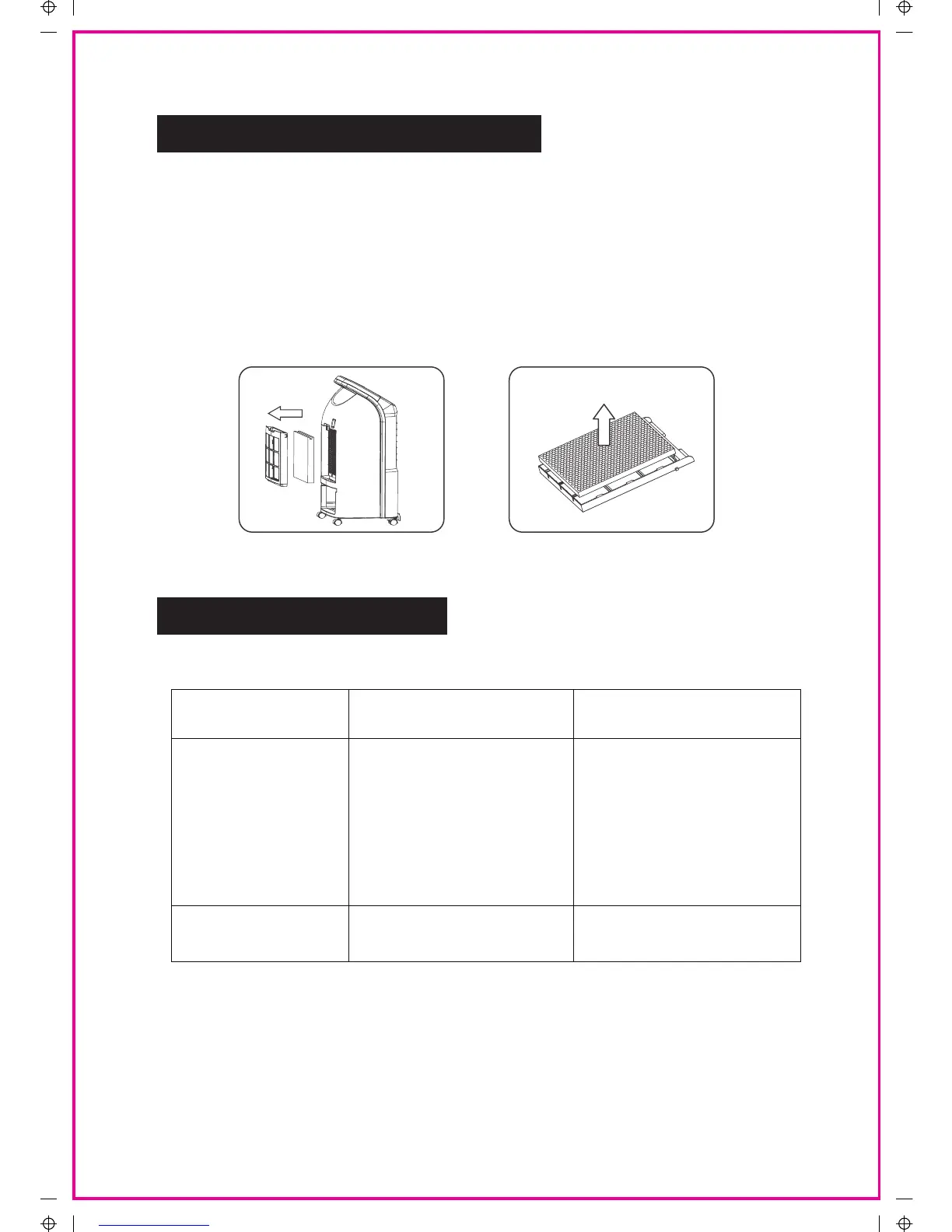
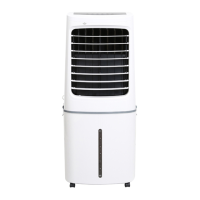
Per fig.2 fig 3 and fig 4: Unplug the unit for two minutes, take out filter, filter frame, honey
comb filter and water tank seperately, wash them with detergent and soft brush, then put
them back to the unit.
Fig.3
Fig.4
Take out the honey comb filter
6
Take out the
filter frame
MAINTENANCE AND CLEAN
TROUBLESHOOTING


 To Previous Page