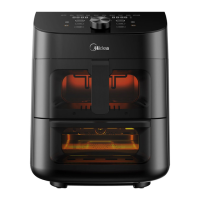
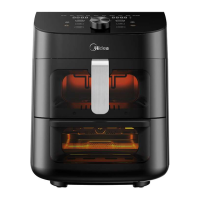
1. Remove all accessories and shipping materials packed inside the oven.
2. Wash the oven fittings with a dab of washing-up liquid and warm water. Wipe the unit
and the oven fittings dry before using with paper towels or a dry cloth.
3. Place the oven on a flat counter or other stable surface. DO NOT OPERATE ON THE
SAME CIRCUIT WITH ANOTHER APPLIANCE.
4. Before working, place the crumb tray under the bottom heating element.
5. Make sure the crumb tray is properly fitted before using the oven.
press the function button to select bake, press the " " button and rotate knob to
time 15 minutes. This will burn o any oil still on the oven.
adjust temperature 450°F. After that, press " " button and rotate knob to adjust
(NOTE: The oven may smoke inside during the process. This is normal
for a new oven and will not last more than 10-15 minutes).
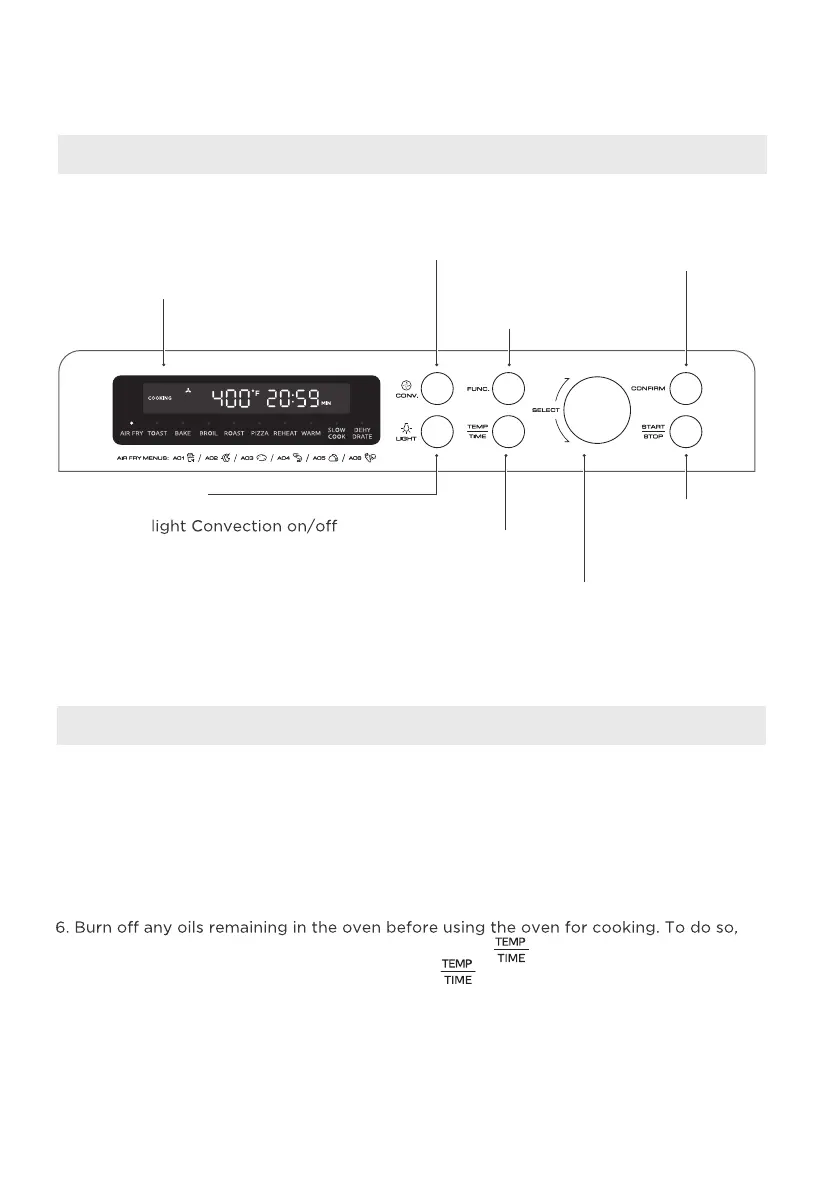
Display Screen
Convection
Press this button to
select convection mode
Function
Use to select desired
cooking function
Start / Stop
Press this button to
start or stop cooking.
Confirm
Press this button to
confirm the time and
temperature
Select
Turn to select
desired settings.
Temperature/Time
press this button to select
temperature and time.
Light
Switching an internal
while cooking
Control Panel Settings
Before Using For The First Time
OPERATION INSTRUCTIONS



 To Next Page