2019/10/22 16:44 7/76 MIDIbox SEQ V4 Beginner's Guide
MIDIbox - http://wiki.midibox.org/
purposes. The track types are Note, Chord, CC and Drum, and each of these types has subtypes
based on a combination of maximum track length, number of parameter layers and number of trigger
layers. (For the difference between parameter layers and trigger layers, see sections 3.1. and 3.2.)
Because of memory limitations it's not possible to have the longest possible track (256 steps) with the
maximum number of parameter and trigger layers (16 and 8, respectively), so each subtype is a
compromise within the overall limitations.
Note, Chord and CC tracks always have 8 trigger layers, so in effect the track has to be balanced
between maximum length and the number of parameter layers. Drum tracks are somewhat different
from the other types, so they are dealt with separately. (See section 3.3.).
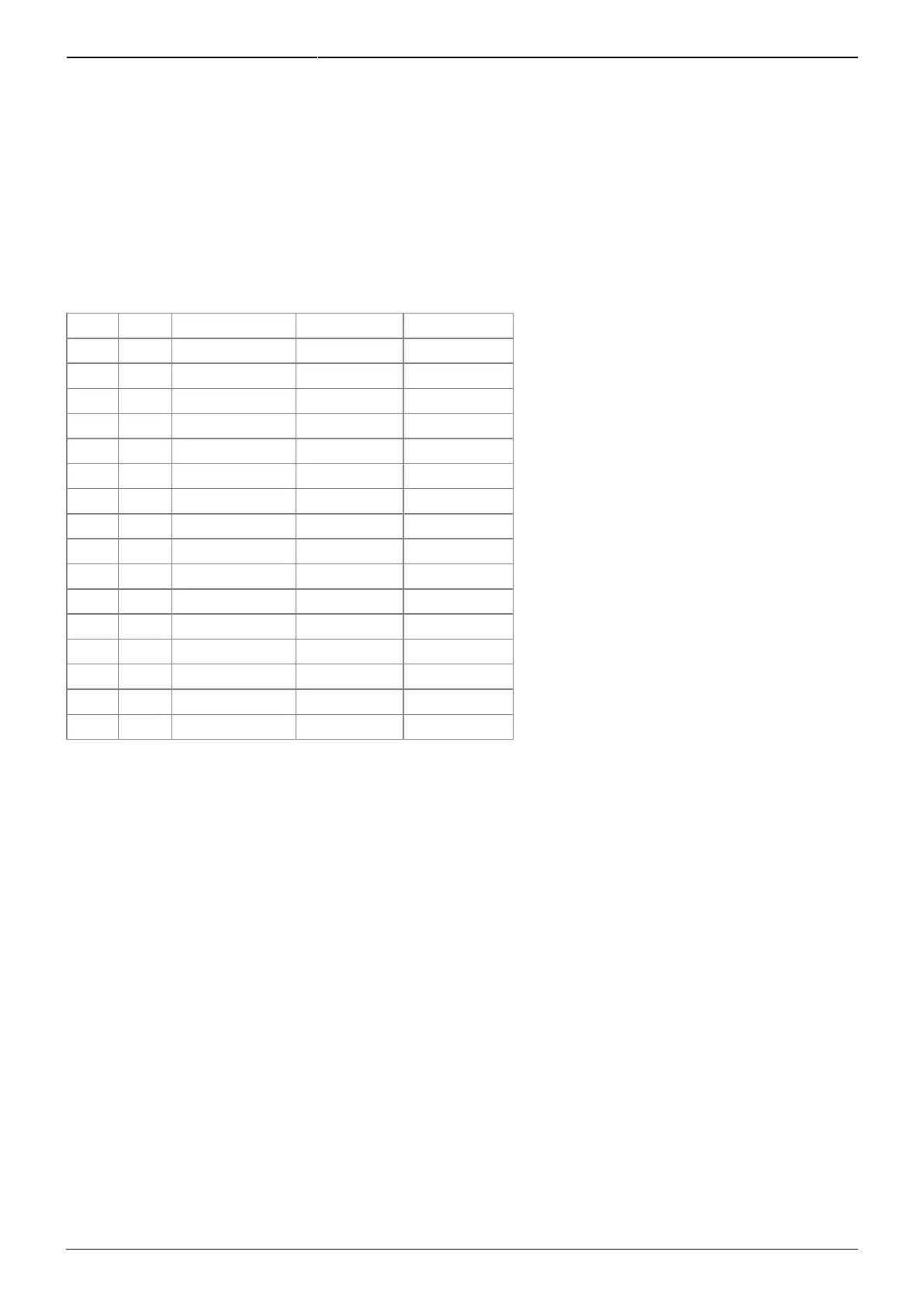
Mode Steps Param. layers Trig. Layers Instruments
Note 64 16 8 1
Note 128 8 8 1
Note 256 4 8 1
Chord 64 6 8 1
Chord 128 8 8 1
Chord 256 4 8 1
CC 64 16 8 1
CC 128 8 8 1
CC 256 4 8 1
Drum 64 1 2 16
Drum 128 2 (32 steps) 1 16
Drum 128 1 2 8
Drum 256 2 (64 steps) 1 8
Drum 64 1 1 16
Drum 128 1 1 8
Drum 256 1 1 4
When changing track type, the track needs to be initialised for the changes to take effect. Press
GPB16 for a few seconds to initialise the track. Initialisation erases all data in the track's layers!
It is important to note that even though initialising a track to the selected preset fixes the number of
parameter layers, you can, after initialisation, freely change what kind of parameter layers you have.
The difference between Note, Chord and CC type tracks is just in what the default parameter layer
functions are; a CC type track contains only CC parameter layers, while Note type tracks contain none
of them, but nothing stops you from from changing the parameter layer functions to whatever you
like after initialisation (naturally within the maximum overall number set at initialisation). Only drum
type tracks are different in this respect. (See section 3.3.)
Indeed, you will have access to many parameter layer functions (like Pitch, Delay and Probability) only
this way, as they won't be available in any of the presets. On the EVENT page, use GPK9 to choose
which parameter layer you want to edit (from A to H, if you have eight parameter layers), then turn
GPK10 to set which function you want to control with that parameter layer. You need to confirm the
change of function by pressing GPB10 (the seq will tell you this). Note that if you change parameter
layer functions, e.g. from Roll to Nth1, you will lose all parameter values in the Roll layer.



 To Next Page