2.1.5
Control Change data entry by Numeric keypad
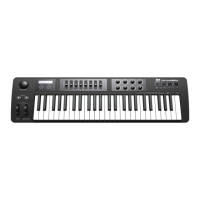
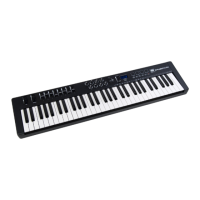
The i² Control-61 Pro allows you to use the numeric keys to specify your
Control Change DATA parameter instead of the DATA ENTRY knob. By
pressing MIDI/SELECT button and CC DATA key & then the required number
and finally the Enter key to finish. For example, if you want to make Control
Change 7 as value 123.
1) Press MIDI/SELECT knob;
2) press CC No.(will be shown in display)
3) choose 7 on numeric keypad;
4) press enter key to specify Control Change as 7;
5) the display shows “---“
6) press CC DATA.(will be shown in display)
7) Press number key 1, 2, and 3, then press enter key to specify value 123
then press MIDI/SELECT knob to finish this action.
9) For Velocitiy, Referb and Chorus Depht, Pan Pos, Volumen you only need to
enter CC Data Value.
Please note for e.f.g.: after you press enter key the LED display will
show --- to indicate that you pressed enter key and will not disappear
10





 To Next Page