You can see in the device manager if the keyboard is recognised!
Look at „Start Settings System control System Tab Hardware
Device manager at Audio/Video/Game controller for the keyboard settings.
Do you have set MIDI-In port at your music program?
If not, no communication with your music program is possible. Have a look in
the manual of your software how to do this.
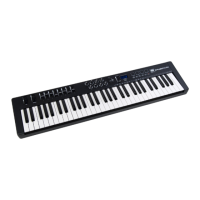
Please install the i² Control-61 Pro at a primary USB port of your PC or Mac,
NOT at a USB Hub. This can cause problems with the i2-series keyboards.
Power supply does not work . . .
If the unit isn’t powered by power-supply, try to connect by USB-Connection.
If it works normal, the power-supply may be damaged.
If nothing helps . . .
You can write an e-mail to our hotline Info@Miditech.de and we try to help
you. Please have a look on our FAQ page first; maybe your problem is listed.
We will answer you normally in some days. If not please try again, because we
have good spamfilter and sometimes they catch wrong e-mails.
15



 To Next Page