Installation Options
Preva
18
Installing
the 4x4
Mount
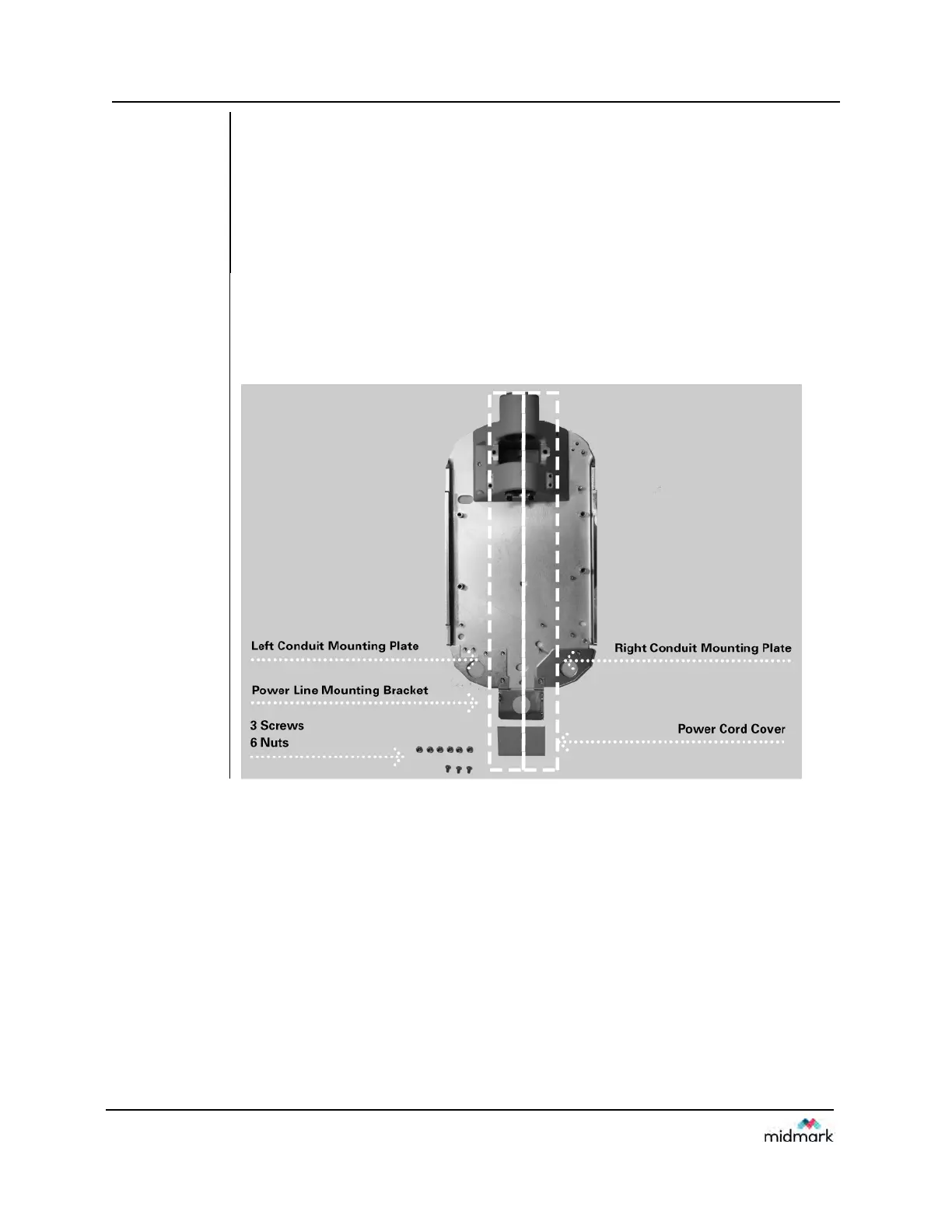
The 4x4 Mount kit (30-A2099), shown in Figure 12, contains the items below:
Power line bracket
Power cord cover
Left conduit mounting plate
Right conduit mounting plate
3 Phillips screws
6 nuts
Instructions
1. Using the three Phillips screws, secure the power line bracket to the power line cord
cover.
2. Place the right and left conduit mounting plates on the control.
3. Place the assembled power line bracket and cord cover on the two bottom-most
threaded studs.
Figure 12
4x4 Mount
Cabinet
Layout



 To Next Page