


 To Next Page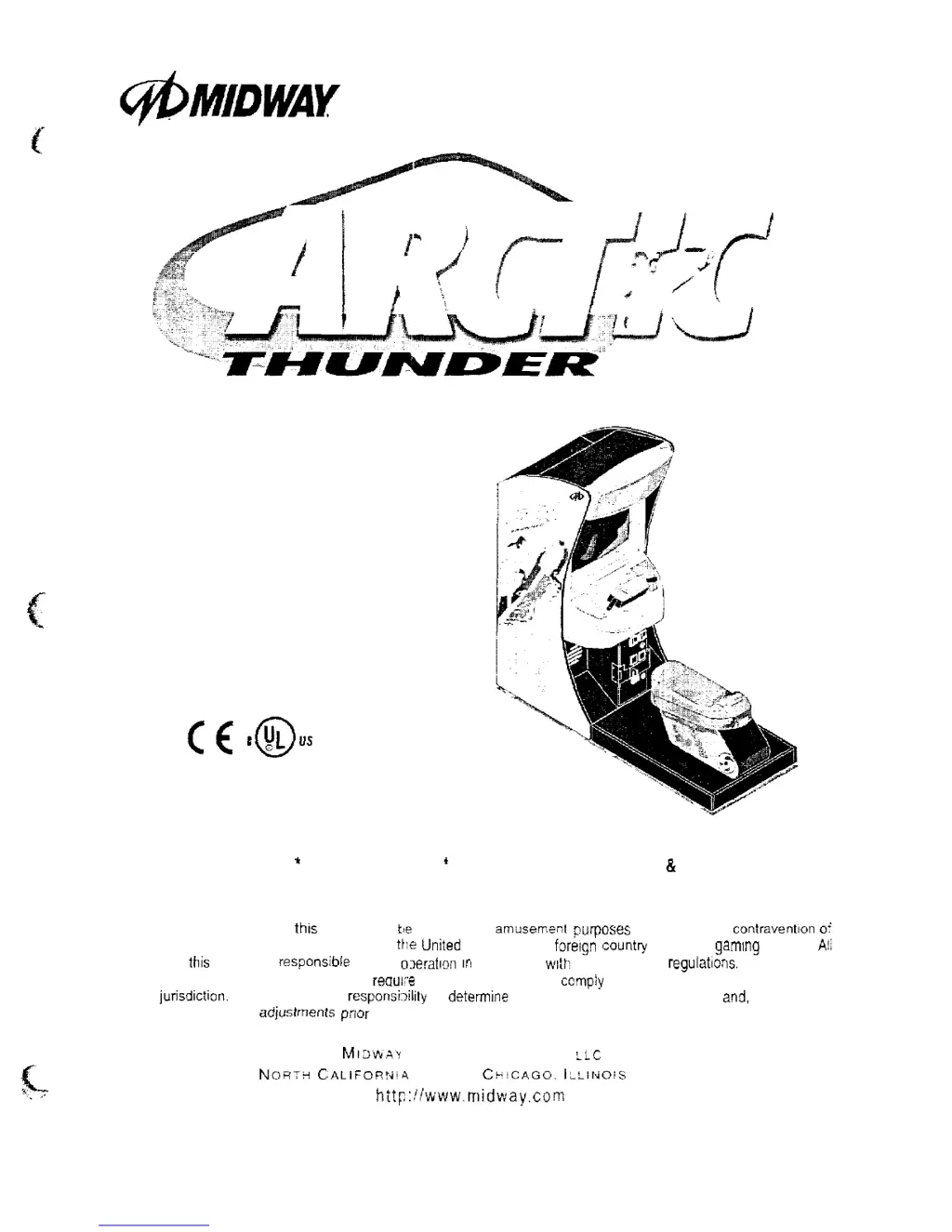
D
Darren AndradeJul 27, 2025
What to do if my Midway Arctic Thunder will not accept currency or tokens?
- CChristopher ChambersJul 27, 2025
If your Midway Video Game won't accept currency or tokens, first access the Diagnostic Menu and select SWITCH (VGM) at the Pricing Menu TEST to confirm game swatch operation. Also, check the cabinet wiring to ensure it's correct for the game and that the coin meter and switches connect properly to the control input wires. Finally, unlock the cash door, empty the cash box, and inspect the revenue for counterfeit currency. Check the vault for any obstructions blocking the mechanism's path.
 General
