To service Barrier Panel.. .
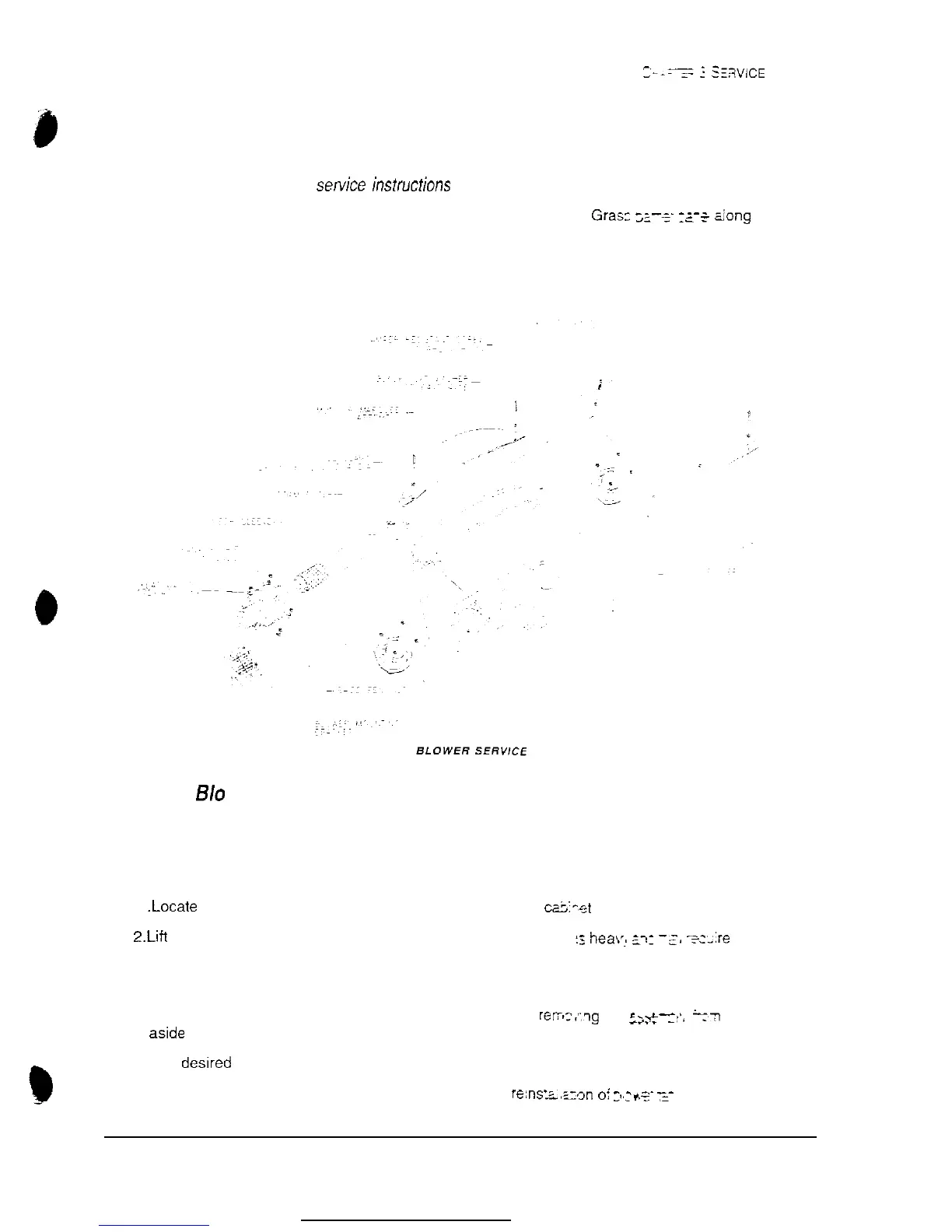
Refer to Marquee Service illustration.
. Switch off power to game machine and unplug AC line cord.
l Remove Marquee. Refer to
setce
instfuctions for Marquee
l Locate and remove hex nuts used to fasten barrier panel in cabinet.
Grasp
;-_
I;-+
&ong
bottom
edge and lift it out of cabinet.
l Perform desired repair or equipment replacement
To service
B/o
wer Fan.. .
Refer to Blower Fan and Speaker Service illustration
l Switch off power to game machine and unplug AC line cord
l Remove access panel from atop cabinet
1
.Locate
and remove screws used to fasten access panel to ca;:-et
2,Lift
and pivot panel to remove from cabinet. NOTE: This pane’
::
hea\,!
2,:
-s,
y:-:re a bit of
maneuvering during removal and reinstallation.
l Label and disconnect wiring
l Remove hex nuts and washers from mounting screws before rers-:qg fa-
;jl-
-
--
-
-2’.
1-3
enclosure
Set aslde hardware. Lift out fan assembly.
b
l Perform desired repair or equipment replacement.
l Be sure to clean fan filter, or replace with new one, before
re:ns’L,;_ron
oi :,:*s-
z-
ARCTIC THUNDER
7



 To Next Page