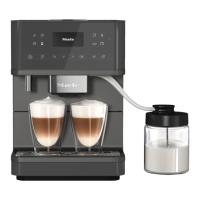
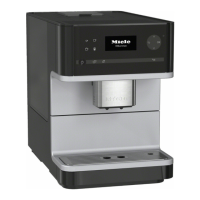
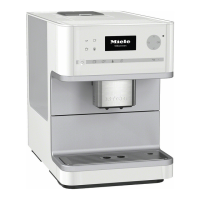
You can use the "Settings" menu to
customize the coffee system to suit
your individual requirements.
Accessing the "Settings"
menu
^
Touch X.
Now you can check or change any
settings.
The check mark ( next to the individual
entry shows you which setting is
currently active.
Touch # if you want to access the
previous menu.
Touch X to return to the drinks
selection menu.
Changing and saving settings
^
Touch X.
^
Select the desired setting with the
arrow keys and
touch OK.
^
Touch the arrow keys until the option
you want is highlighted.
^
Touch OK.
The setting is now saved.
Settings
37


 To Next Page