Language
You can select your language and
country for all the displayed text.
Tip: If you have accidentally selected
the wrong language, follow the flag icon
F to return to the "Language" option.
Time
You can customize the time display, the
time format and the time of day.
Display (Time of day)
You can choose from the following
options:
– On: The time of day is always
displayed even when the system is
turned off.
– Off: The time of day is not displayed
when the system is turned off.
– Night dimming: The time is only
displayed during the daytime.
Your selection affects the energy
consumption of the coffee system.
This is indicated by a message on
the display.
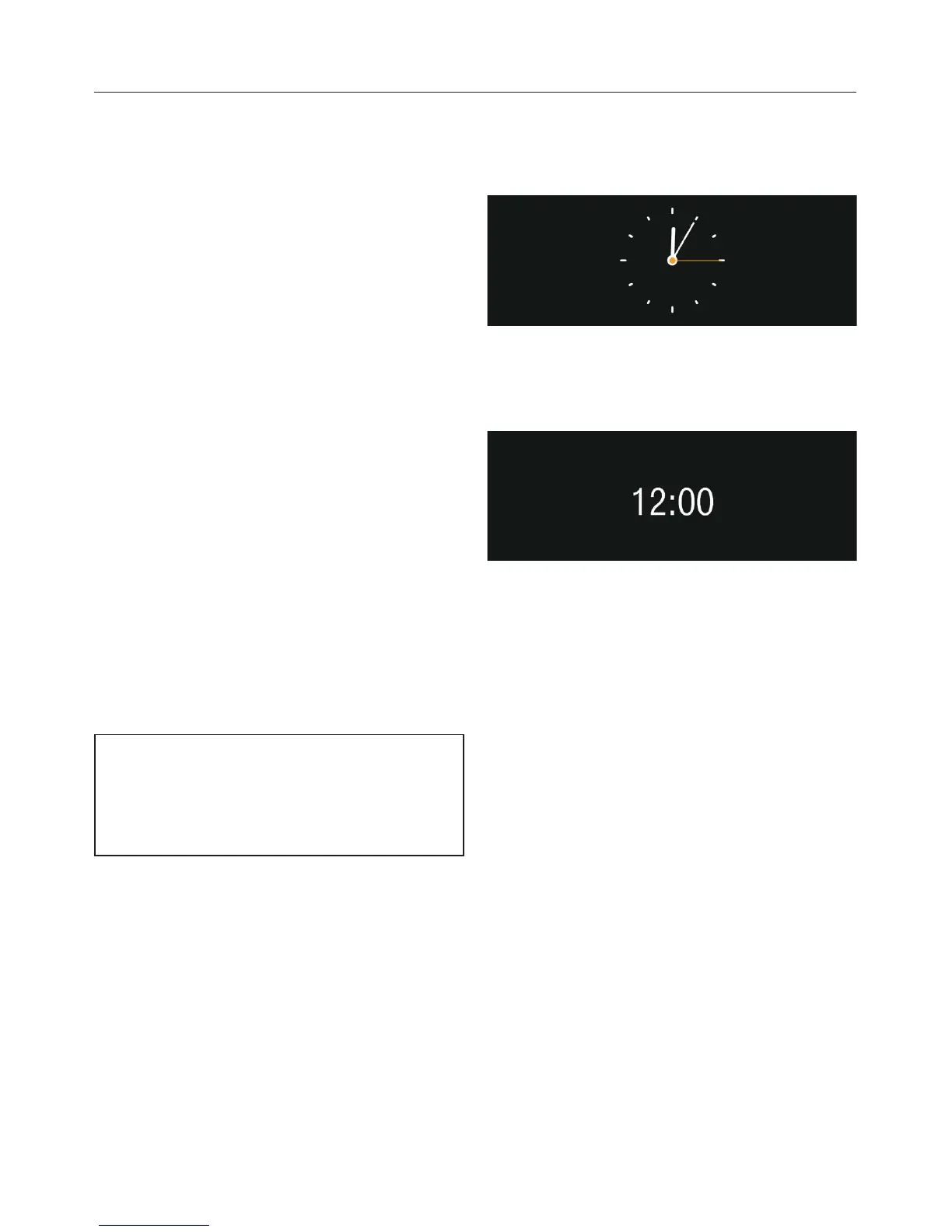
Clock type
The time can be displayed as
Analog
or
Digital .
Time format
The options are:
– 24-hour clock (24 hr)
–
12-hour clock (12 hr)
Time of day
You set the hours and minutes.
Date
You set the day, month and year.
Settings
42


 To Next Page