Making drinks
31
Making a coffee drink
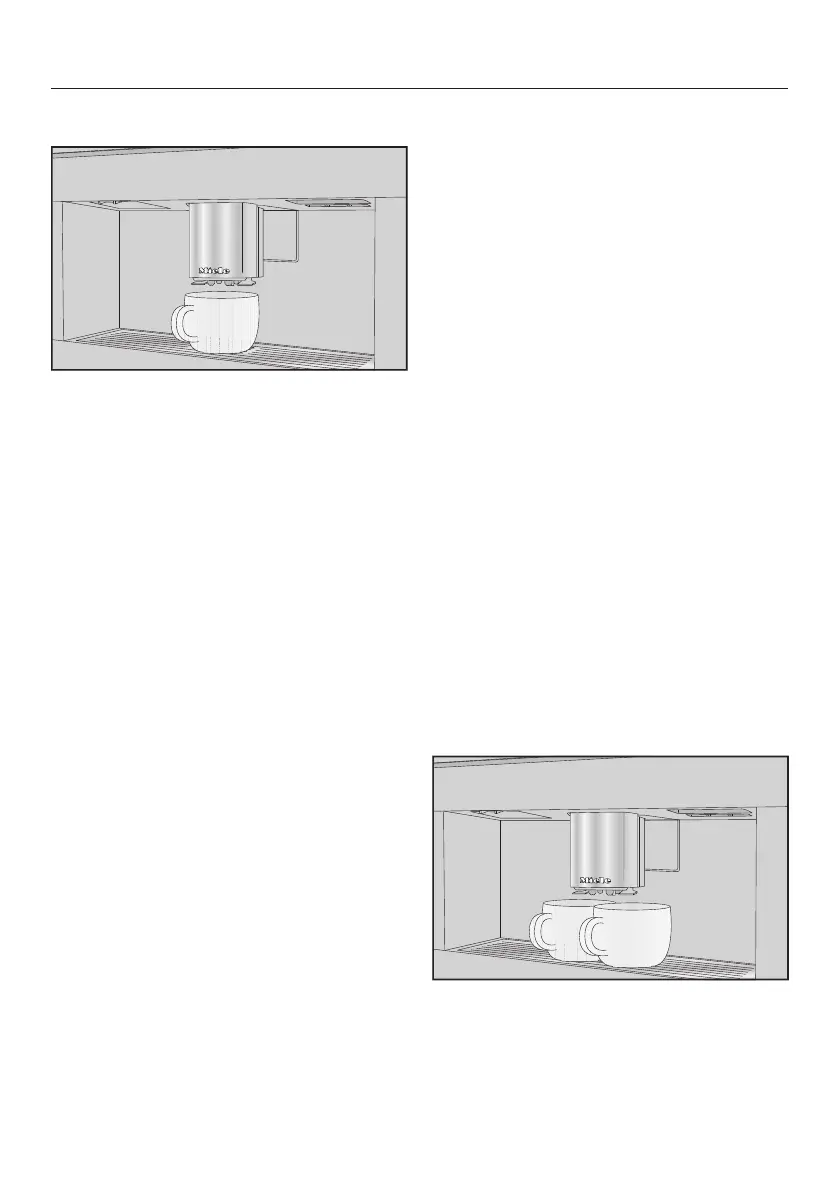
Place a cup or glass under the central
spout.
Touch the sensor for the drink you
want.
Preparation will begin and the coffee
will be dispensed into the cup or glass
from the central spout.
Cancelling preparation
Touch the control panel symbol
illuminated in orange again.
If you are making drinks with more than
one component, e.g. latte macchiato,
you can cancel the preparation of each
component early.
TouchOK when Stop appears in the
display.
DoubleShot
Select the DoubleShot function to
make a particularly strong and aromatic
coffee. In this case, more coffee beans
will be ground and brewed halfway
through brewing. Due to the reduced
extraction time, fewer unwanted aromas
and bitter substances are released.
DoubleShot can be activated for all
coffee drinks except “Ristretto” and
“Long black”.
Making a DoubleShot of coffee
Touch the sensor immediately
before or after you have started
making a drink.
Preparation starts and the sensor
lights up orange. Two portions of coffee
beans will be ground and brewed.
Making 2 portions (sensor)
You can also dispense two portions of a
drink into one large cup or dispense
two portions into two cups at the same
time.
Place one cup under each of the
coffee spouts.
Touch the sensor immediately
before or after you have started
making a drink.



 To Next Page