Preparing beverages
38
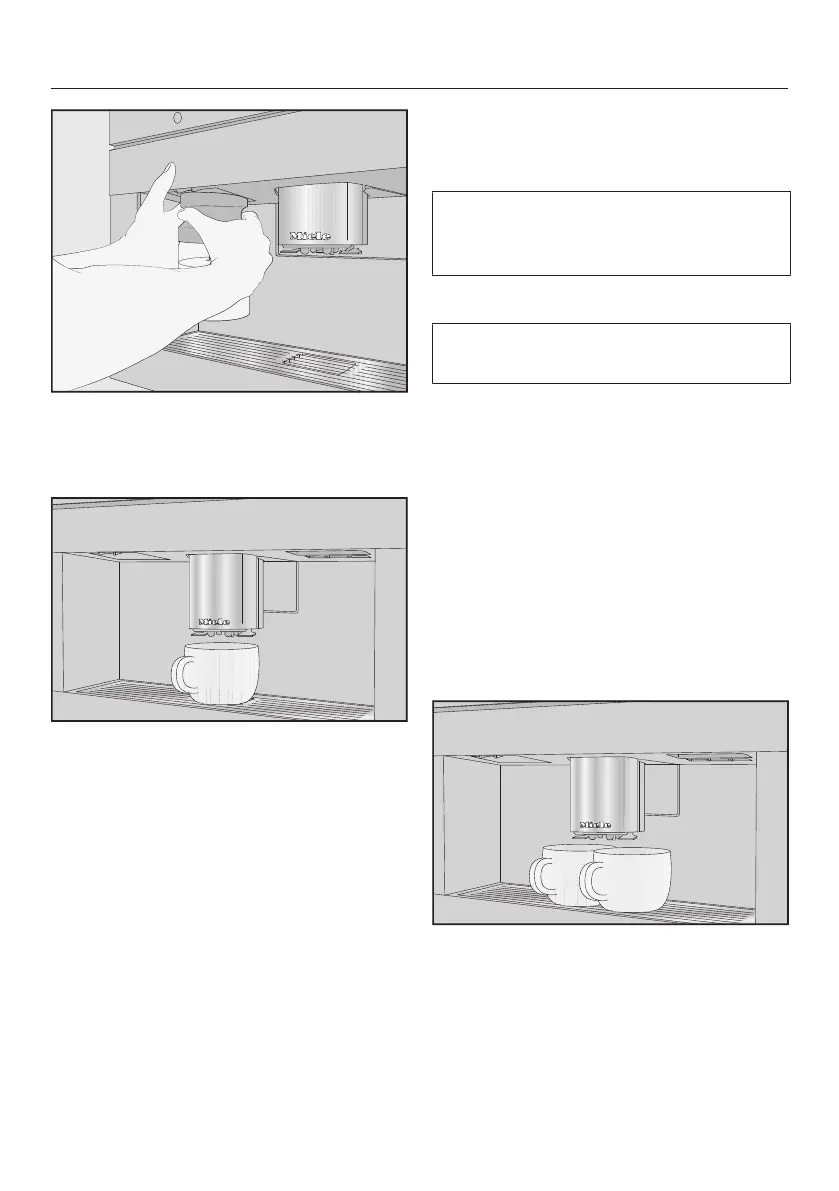
Tip: It is easier to remove the milk flask
with both hands.
Making a coffee drink
Place a container under the central
spout.
Select a coffee drink.
Preparation will begin and the coffee
will be dispensed into the container
from the central spout.
Canceling a drink
Press StoporCancel.
DoubleShot
Select the DoubleShot function if
you would like a particularly strong and
aromatic coffee. In this case, more
coffee beans will be ground and brewed
halfway through brewing.
The shorter extraction time means that
fewer unwanted aromas and bitter
compounds will be released.
DoubleShot can be activated for all
drinks apart from “Ristretto” and
“Long black”.
Making a DoubleShot of coffee
The symbol will appear while
drinks are being made.
Tap the symbol immediately
before or after you start making a
drink.
Dispensing starts and the symbol is
highlighted in orange in the display.
2portions of coffee beans will be
ground and brewed.
Making 2portions
You can dispense 2portions of a drink
into 1large cup or into 2cups at the
same time.
Place a cup under each of the main
coffee dispenser spouts.
Tap the symbol immediately
before or after you start making a
drink.


 To Next Page