Joystick
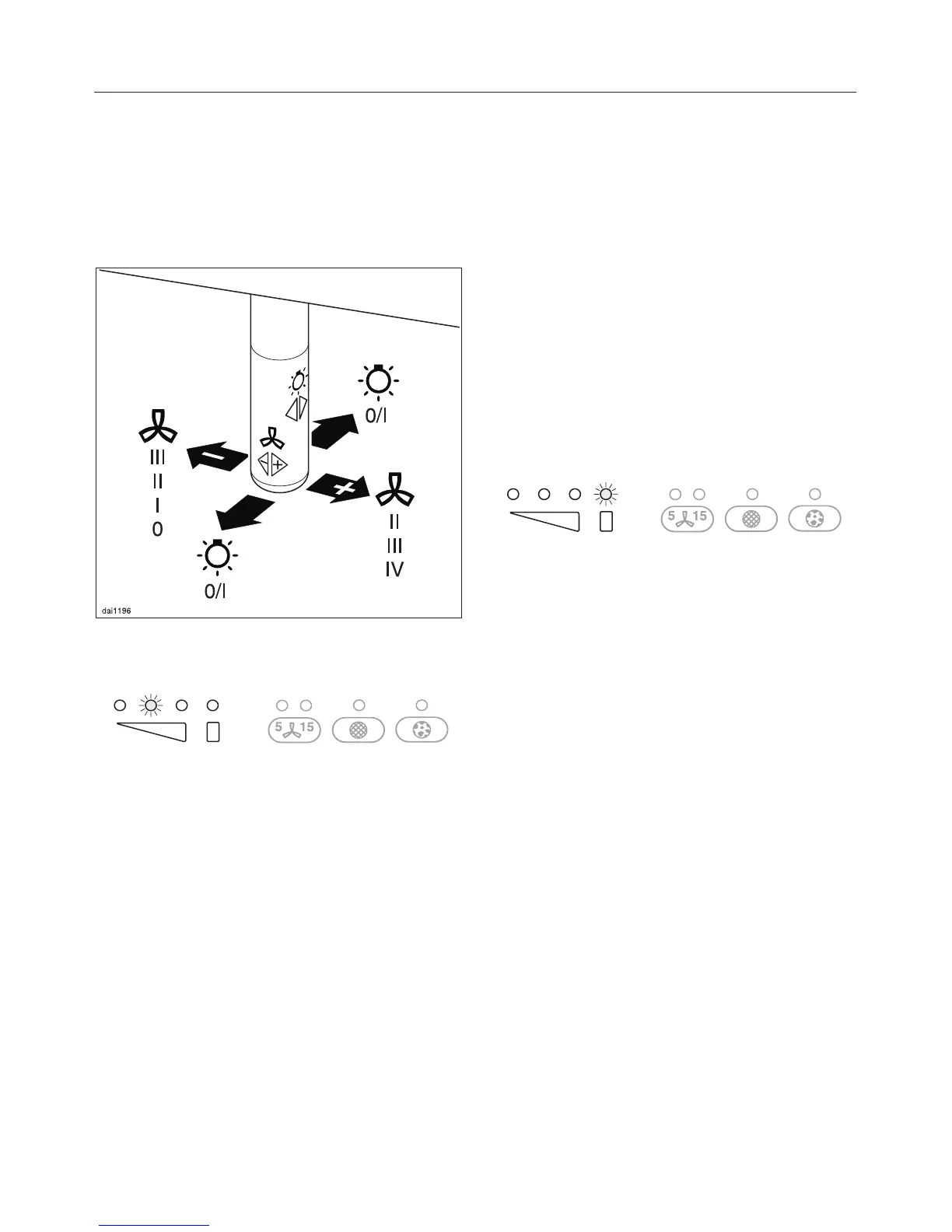
This is used to operate the fan settings
and the lighting.
To switch the fan on
^ Press the joystick once to the right.
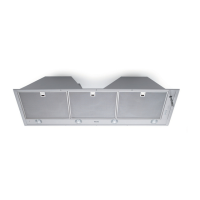
The fan will come on at power level lI.
The second fan power level indicator
lamp will light up.
To select a power level
^
Press the joystick repeatedly to the
right to select a higher power level,
and to the left to select a lower power
level.
The relevant power level indicator lamp
will light up.
Depending on the intensity of the
cooking vapours, levels "I" to "III" are
usually sufficient for normal cooking.
Intensive setting
For short periods of cooking food with
intensive vapours and a strong aroma,
e.g. when searing meat, you may wish
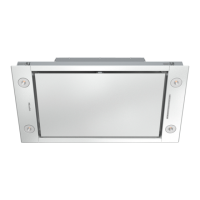
to select the Intensive Setting "IV".
To switch the fan off
^ Press the joystick repeatedly to the
left until the fan switches off and the
power level indicator lamps have all
gone out.
or
^
Press and hold the joystick to the left.
The power level indicator lamps will
go out.
Operation
13



 To Next Page