Setting the rinse aid dosage
You can adjust the rinse aid dosage for
best results.
The rinse aid dosage can be set from
approx. 0-6 ml. It is set to a
recommended setting of approx. 3 ml
at the factory.
If spots appear on crockery and
glassware:
^
Increase the rinse aid dosage.
If clouding or smearing appears on
crockery and glassware:
^ Decrease the rinse aid dosage.
^ Switch the dishwasher off with the
On/Off button K.
^ Press the Start/Stop button in and
whilst holding it in switch the
dishwasher on using the On/Off
button K.
Keep the Start/Stop button pressed in
until the "Start/Stop" indicator light
comes on.
If this does not happen, start the
procedure from the beginning again.
^
Press the programme selector button
three times.
The lowest programme indicator will
flash briefly three times at intervals.
The Wash/Rinse indicator will flash
briefly three times at intervals.
This means that approx. 3 ml of rinse
aid will be used per programme
(factory default setting).
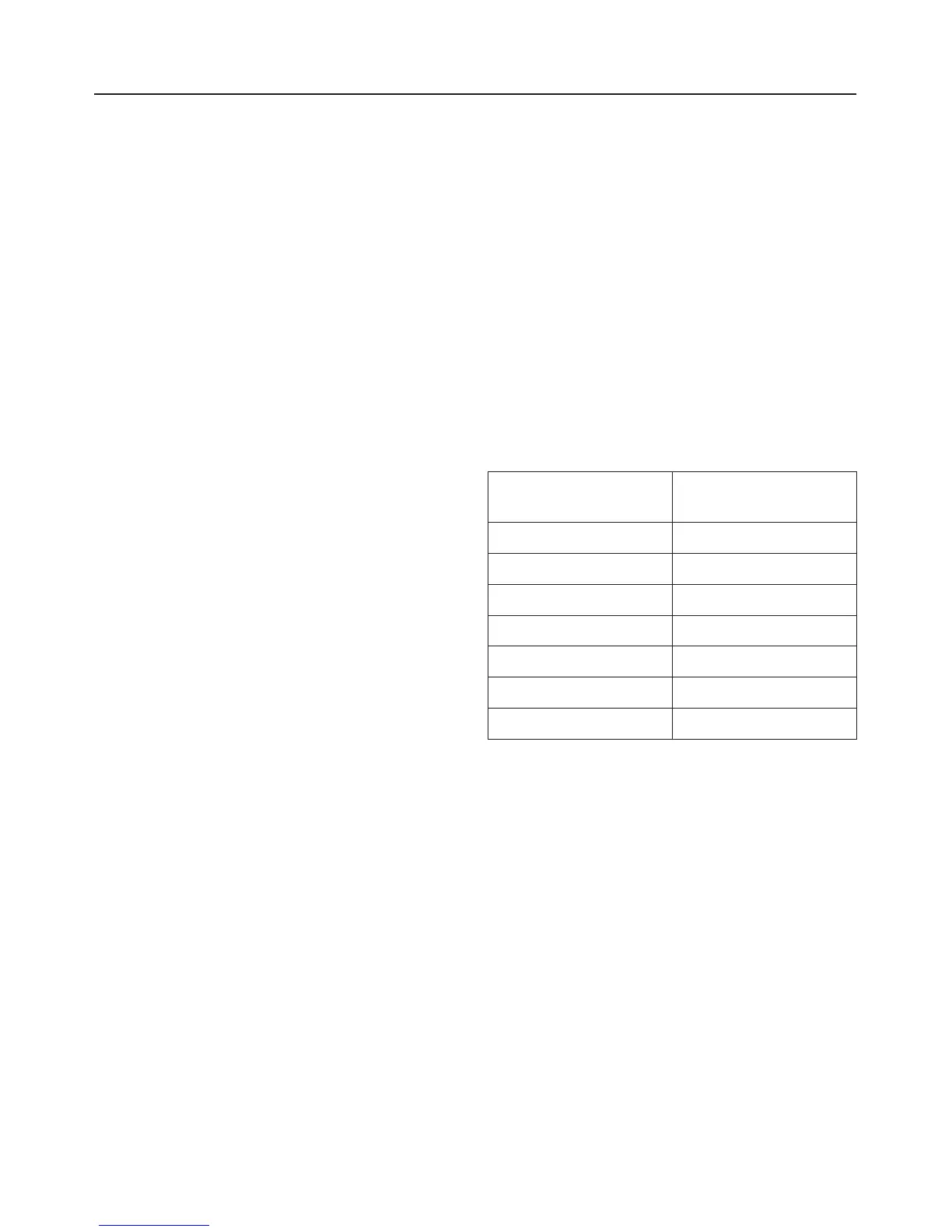
The number of times the Wash/Rinse
indicator flashes tells you the rinse aid
dosage which has been set (see chart).
Rinse aid
in ml
"Wash/Rinse"
flash frequency
0-
1 Once
2 Twice
3 Three times
4 Four times
5 Five times
6 Six times
^
Use the Start/Stop button to select
the number of flashes which equates
to the rinse aid dosage you want.
Each press of the button moves you
up a level.
The programmed rinse aid dosage is
now stored in memory.
^
Switch the dishwasher off with the
On/Off button K.
Before using for the first time
21



 To Next Page