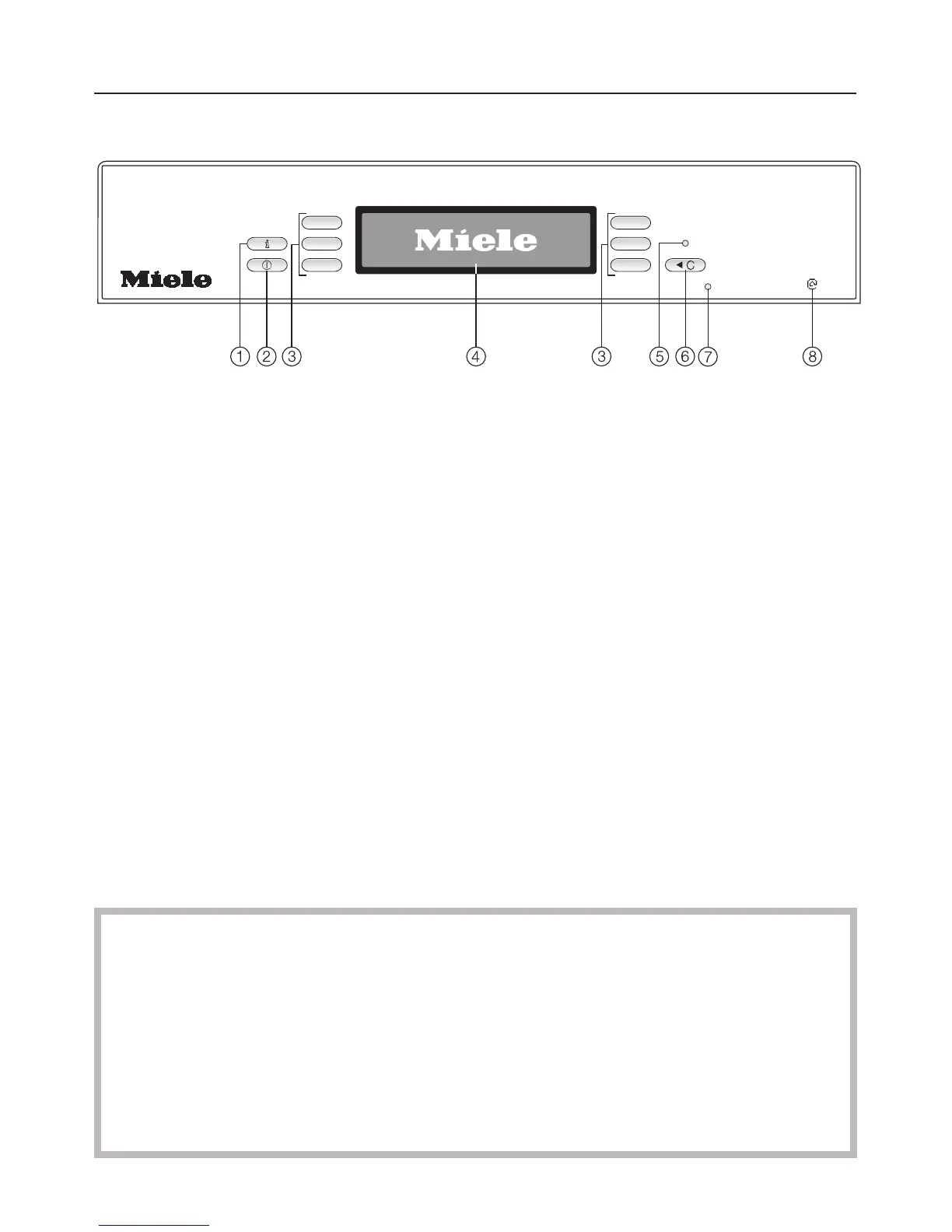
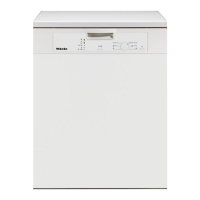
Control panel
a Information sensor pad K
For displaying additional information
about the menu being displayed.
b On/Off sensor pad s
For switching the appliance on and
off.
c Selector sensor pads
For selecting options displayed next
to them.
For altering the values displayed
(+/-).
For moving to other screens.
d Display
See the following pages for more
information.
e Stand-by indicator light
When the dishwasher is switched on,
the indicator light comes on if the
display is switched off.
f +C (Clear) sensor pad
For returning to the previous menu or
deleting values which have been set
previously.
g Service interface
Used by service technicians to run
diagnostic checks, or to update
programming data in the future.
h Miele{home
The appliance is compatible with the
Miele|home system.
This instruction book applies to several different dishwasher models.
The specific dishwasher models below are referred to as follows:
G 1830 = G 1XXX
G 2830 = G 2XXX
The model numbers G 1XXX and G 2XXX used in this book refer to the model
designation specified on the data plate of the appliance (and not the
description on the control panel).
The data plate is located at the top right hand side of the door.
Description of the appliance
6



 To Next Page