^
1. Open the door.
^
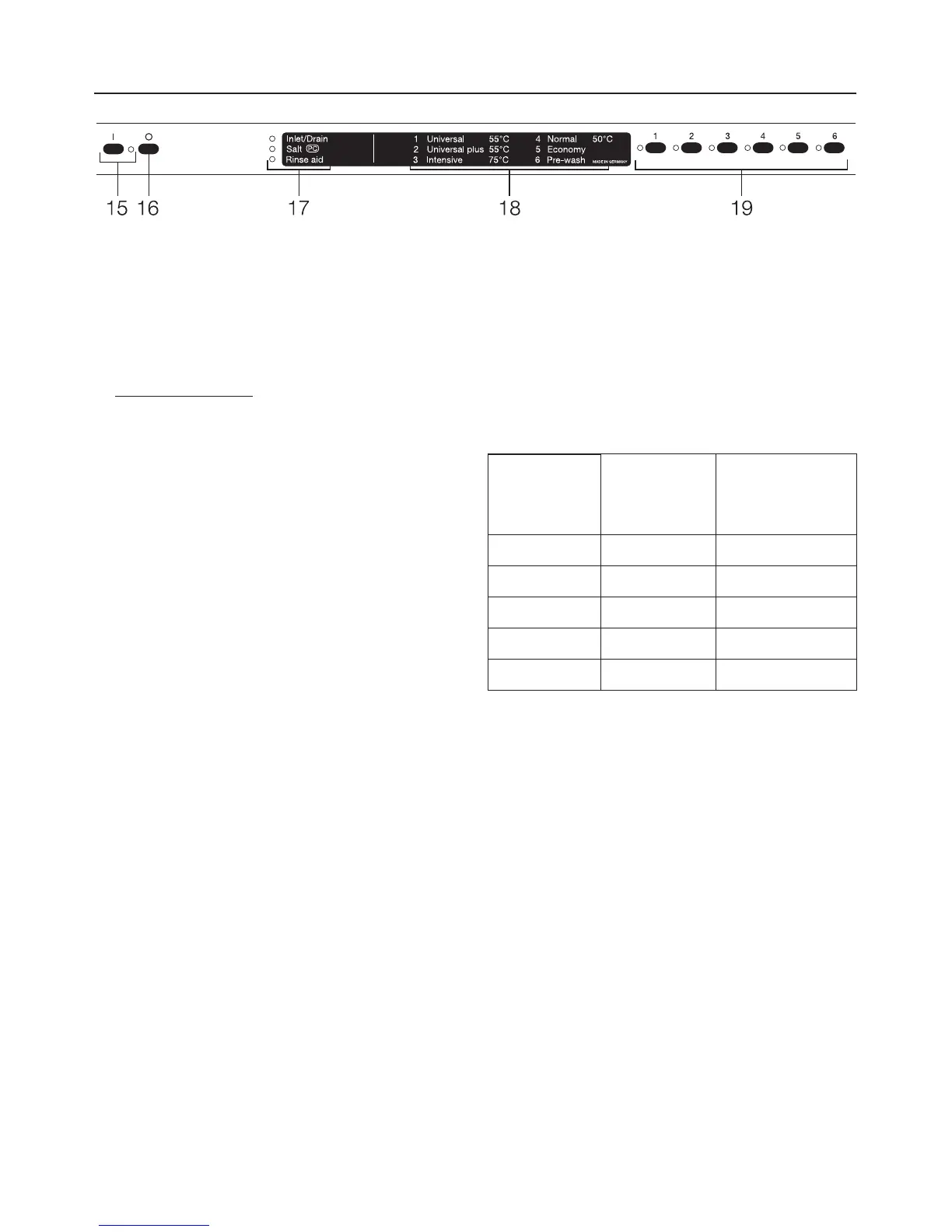
2. Switch the dishwasher off using
the "Off" button.
^
3. Press the a and c buttons in and
whilst doing so
switch the dishwasher
on using the "On" button.
^
4. Then release these buttons.
The "Salt" and b indicator lights will
flash.
If this is not the case the process must
be repeated.
^ 5. Press the b button.
The b indicator light will go out and the
"Salt" indicator light will flash.
Setting the machine for water hard
-
ness level 0.2 - 2.2 mmol/l (1°d - 12°d):
An indicator light will come on next to
one of the a - e buttons. This repre
-
sents the water hardness level set in
the machine. See Table 1.
Table 1:
°d
(German
scale)
mmol/l Button
1 - 4 0.2 - 0.7 a
5 - 6 0.9 - 1.1 b
7 1.3 c
8 - 10 1.4 - 1.8 d
11 - 12 2.0 - 2.2 e
If this value corresponds to your water
hardness level:
^
Switch the dishwasher off using the
"Off" button.
If you would like to change the setting
for a different water hardness level:
^
Press the button which corresponds
to the water hardness level in your
area (see Table 1).
The "Salt" and b indicator lights will flash.
^
Press button f twice.
The "Salt" and f indicator lights will flash.
^
Switch the dishwasher off using the
"Off" button.
The programmed water hardness level
is now stored in memory.
Before using for the first time
14



 To Next Page