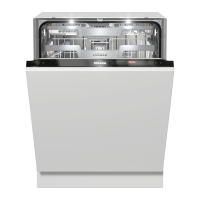
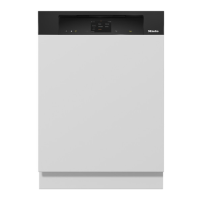
Guide to the appliance
20
Examples of how to operate the
appliance
Main menu
Use the Back sensor button to switch
from the Programs menu to the main
menu.
In the main menu, you can choose the
Programs menu to select programs as
well as the Settings menu.
You can alter the dishwasher’s controls
to suit changing requirements in the
Settings menu (see “Settings”).
Option lists
You can scroll to the right or the left by
swiping your finger across the display.
China &
Crystal
Quick
IntenseWashNormal Pots & Pans
The orange scroll bar at the bottom of
the display indicates that further
options are available.
You can change the order of programs
listed in the Programs menu by pressing
and holding a program name and
dragging it to the place you want.
Normal
Estimate
Extra Clean Extra Dry
After selecting a program, the Extra
options menu is displayed. This is
where you can select any options you
want, activate the timer, and view the
energy and water consumption with the
Estimate function.
Numerical values
You can set numerical values in some
menus.
You can set the numbers by touching
the numerical keypad that you want to
change.
You can then set the numbers using the
sensor buttons.
Use the OK sensor button to accept the
set numerical value.
Keeping the relevant or sensor
button pressed will increase or
decrease the time automatically.


 To Next Page