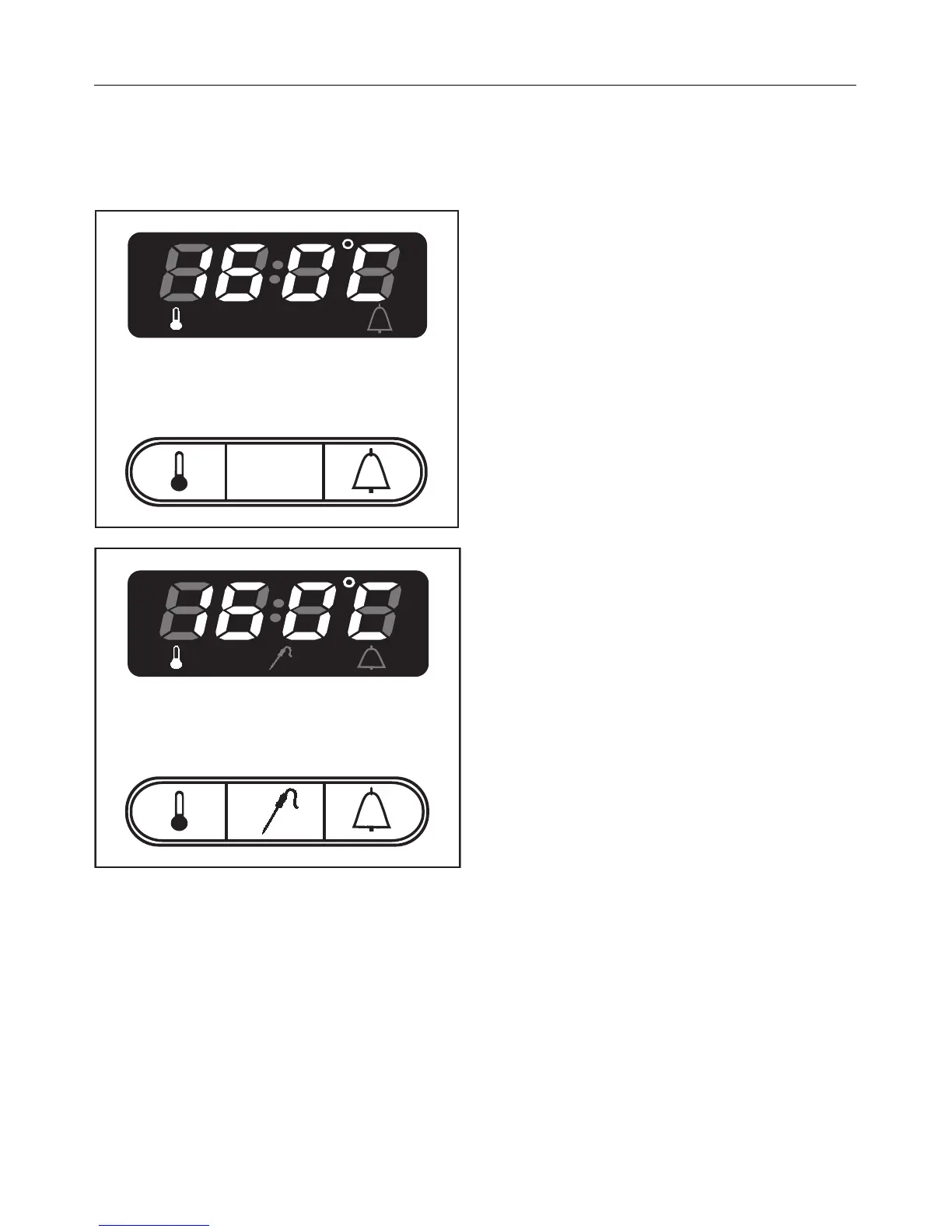
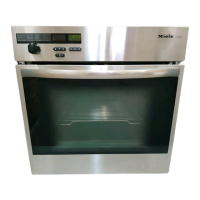
Selecting a temperature
Recommended temperature
As soon as a heating system is se-
lected, the recommended tempera-
ture for that system appears in the
oven display and the oven heating
comes on.
Fan Heat . . . . . . . . . . . . . . . . . . . 160°C
Auto Roast* . . . . . . . . . . . . . . . . . 160°C
Top Heat . . . . . . . . . . . . . . . . . . . 190°C
Conventional . . . . . . . . . . . . . . . . 190°C
Bottom Heat . . . . . . . . . . . . . . . . 190°C
Defrost. . . . . . . . . no temperature given
Intensive Bake. . . . . . . . . . . . . . . 170°C
Fan Grill . . . . . . . . . . . . . . . . . . . . 200°C
Grill 1 (small) . . . . . . . . . . . . . . . . 240°C
Grill 2 (large) . . . . . . . . . . . . . . . . 240°C
* the initial boosted temperature is
approx. 230°C,
continuation temperature 160°C
If you wish to retain the temperature
suggested by the system this will be
automatically adopted when the indica-
tor light in the "+/–" button goes out.
The actual temperature in the oven is
now displayed.
The increase of temperature can be
followed in the display.
If the oven door is opened, or a lower
temperature set, the decrease is shown
in 1° steps.
Oven - use
22


 To Next Page