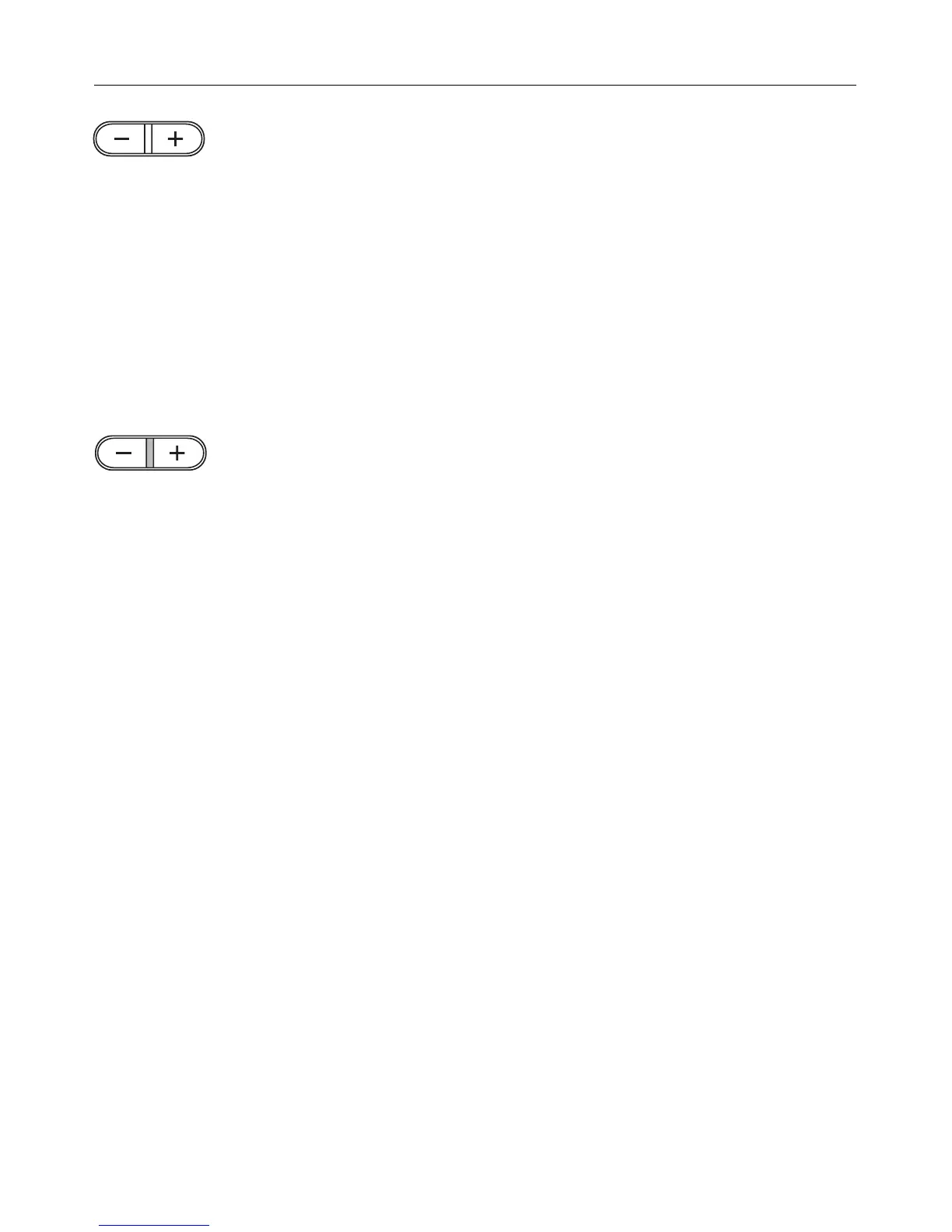
All data input or alteration is done with
the "+" or "–" button.
Changes to the start, duration or end of
cooking time, or time of day are ef-
fected in 1 minute steps.
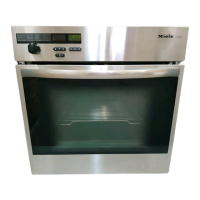
As soon as one of the (f, g, ))
buttons is operated, the indicator light
between the "+" and "–" buttons
lights up.
While this light is still on, times can be
entered or altered.
Each time the "+" or "–" button or one of
the other buttons is pressed, this gives
more time for data input.
When the indicator light goes out the
data input or alteration has been regis-
tered.
Timer display field
Symbols that appear in the timer dis-
play field:
– the symbols for the oven time en-
tered, when the oven is being pro-
grammed.
– the relevant zone symbol when the
hob is being programmed:
"*" front left hob zone
"#" front right hob zone
"t" both front hob zones.
Timer - use
33


 To Next Page