Safety
The oven is supplied with the following settings switched off
as standard.
To use them you first have to activate them.
^
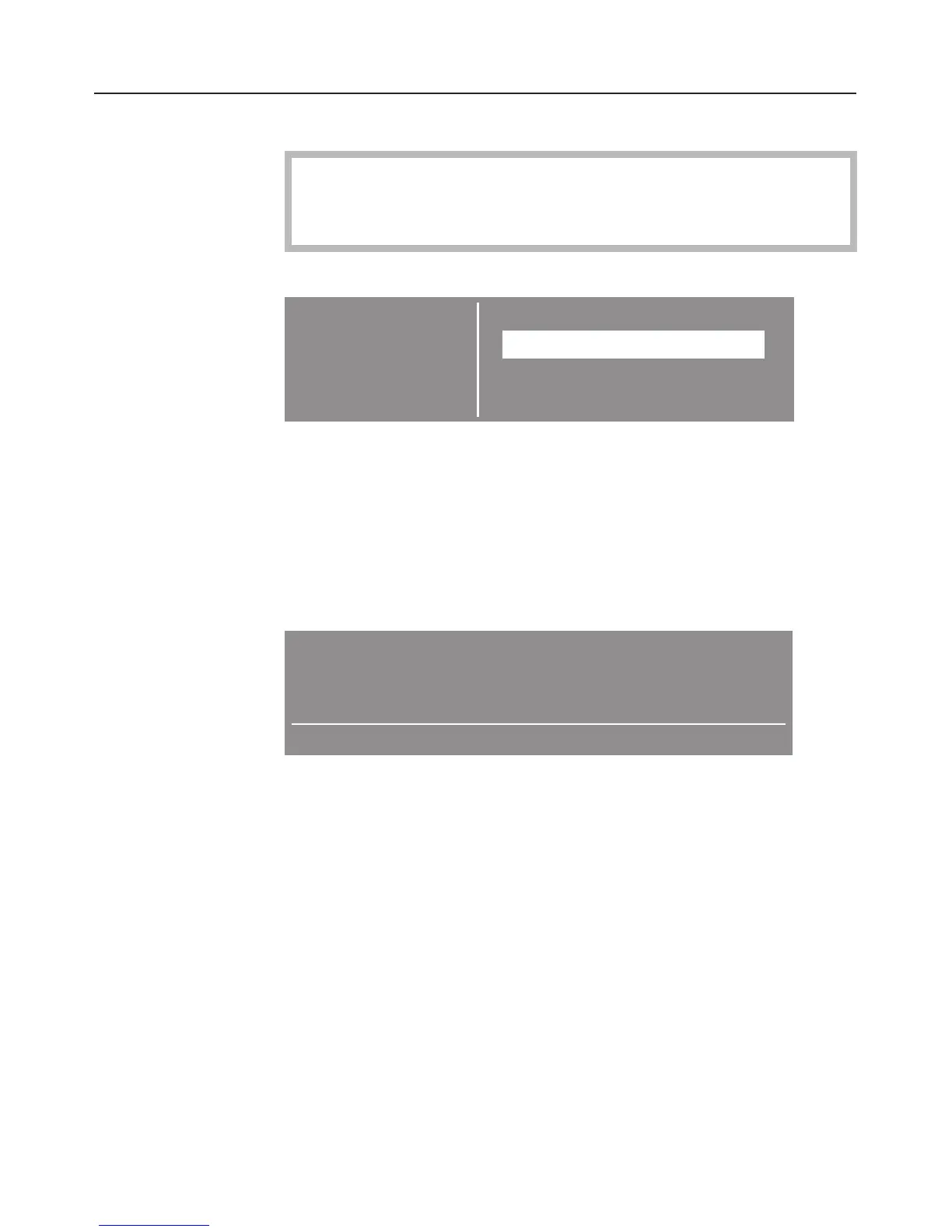
Call up the sub-menu SAFETY.
SETTINGS F. Back A
SAFETY
SYSTEM LOCK X
IN USE X
SOLO PROGRAMME ...
^
Select the setting you want and activate it.
To activate the system lock (SYSTEM LOCK $)
The system lock prevents the oven being switched on
unintentionally, by children for example.
If activated the ) symbol will show in the display when the
oven is switched off.
12 : 05
Min minder
W Clock
To activate the system lock:
^
Call up the ) symbol and select the "on" option.
The $ symbol indicates that the lock has been activated. The
minute minder can still be used whilst the system lock is on.
The system lock remains active even after a power cut.
To switch the lock off call up the $ symbol and select the "off"
option.
Changing settings
45



 To Next Page