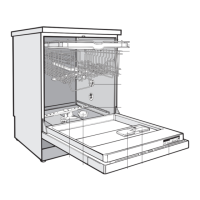
Turning on
^
Make sure the spray arms can rotate freely.
^
Close the door.
^
Open the water supply, if closed.
^
Turn the dishwasher on by touching the s control.
The main menu shows in the display.
If the memory function is selected, the last selected program
is displayed. See "Settings J - Memory".
Main menu
12:00
° Normal
m
° Pots + Pans
° China + Crystal :
Selecting a program
Choose your program according to the type of load and
soiling.
See the "Program guide" for a description of the programs
and uses.
Information about the selected program can be displayed
by touching the K control.
^
Select the desired program.
The display changes to the program menu.
Sensor Wash 1:32 h
12:00
° Options
° Start time
End at 3:32
Start °
Use
32



 To Next Page