Starting a process
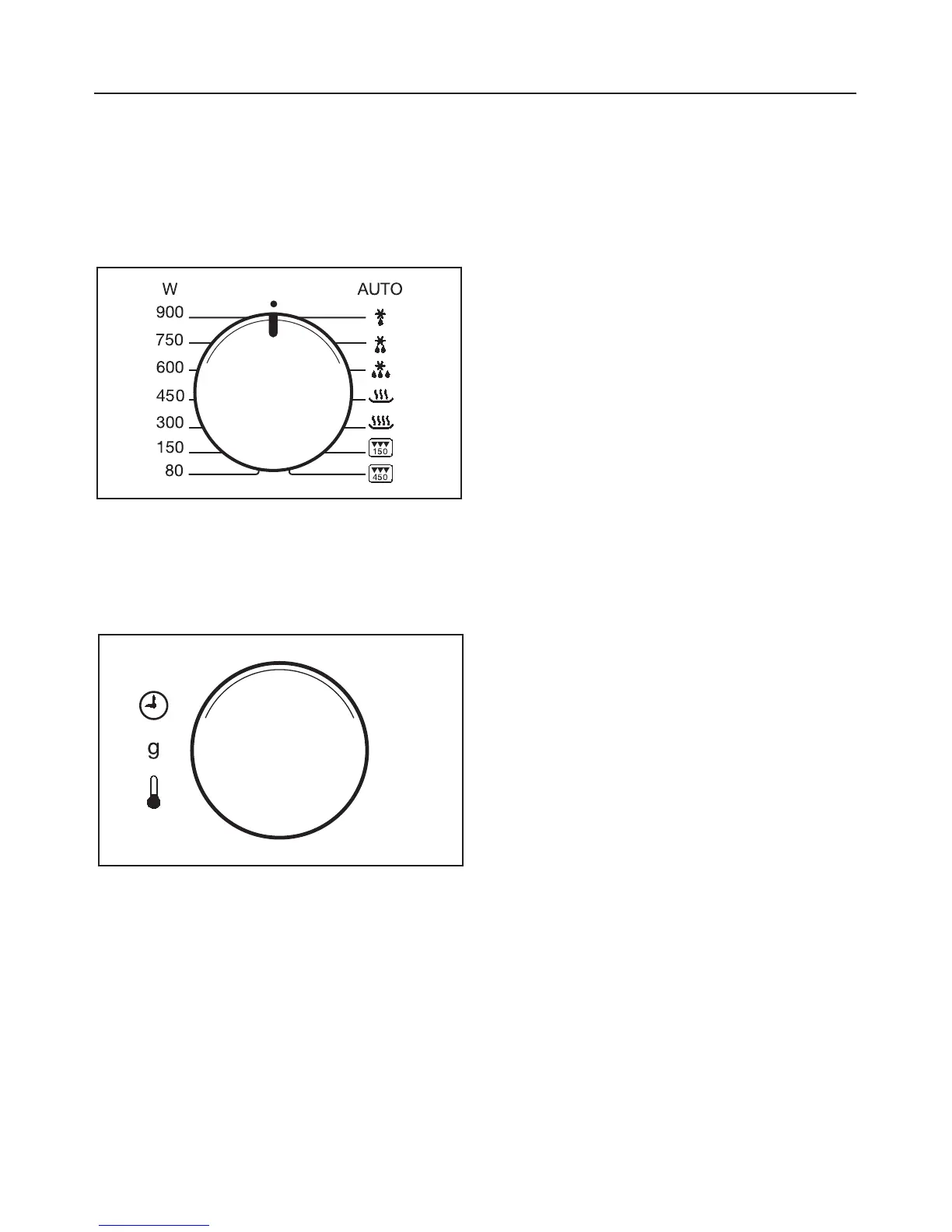
Use the appropriate selector to choose
the microwave power setting and the
time. It does not matter which is chosen
first.
^ Turn the power selector to the re-
quired setting. The symbol for micro-
wave h lights up in the display, 0:00
flashes.
^
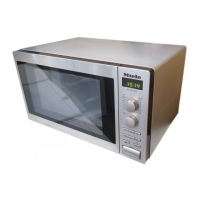
Set the required time using the time
selector. Any time of between 5 sec
-
onds and 60 minutes can be se
-
lected.
^
Press the START button to start the
process.
The interior lighting comes on.
A process can only be started if the
door is closed.
Interrupting a process /
Re-starting a process
Programmes can be interrupted and
re-started at any time.
^
To interrupt a process, press the
Stop/C button once or open the ap
-
pliance door.
The time stops counting down.
^
To continue the process, close the
door and press the START button.
The process continues.
Altering settings
If you discover after starting a process
that
. . . the microwave power setting is
too high or too low, you can
^ select a new setting.
. . . the time set is too short or too long,
you can
^
interrupt the process (press the
Stop/C button once), use the time se
-
lector to set a new time and continue
the process (press the START but
-
ton).
To cancel a process
Press the Stop/C button twice.
At the end of a process
An audible tone will sound when the
cooking process is complete. The oven
interior lighting goes out.
Operation
22



 To Next Page